About Flipnote Studio 3D
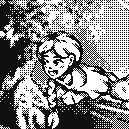
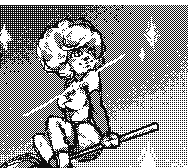
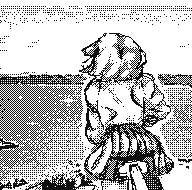
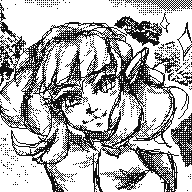
Flipnote Studio 3D allows users to create short animated sketches known as Flipnotes. Flipnotes can be made up of hundreds of frames, and can be played back at a variety of speeds. The software offers users the option to create 3D Flipnotes by drawing different parts of the animation on up to three layers. The main tools include a pen, an eraser, and a paintbrush. New to Flipnote Studio 3D are tools that draw shapes, fill enclosed areas (paint bucket), and insert text. The application features a limited color palette, including black, white, red, blue, green, and yellow. This is a slight improvement upon Flipnote Studio, which did not include yellow and green as selectable colors, but were still possible using color mixing. The selection tool is used to copy and manipulate parts of a frame. Users can also use the 3DS system's camera and microphone to add audio and photos to their creations. These animations can be shared by exporting them as GIF or AVI files.
The program is now discontinued and can only be used on a 3DS that already have it installed or a modded 3DS.