Filtering Options:
48 software:
-
 4 screenshots
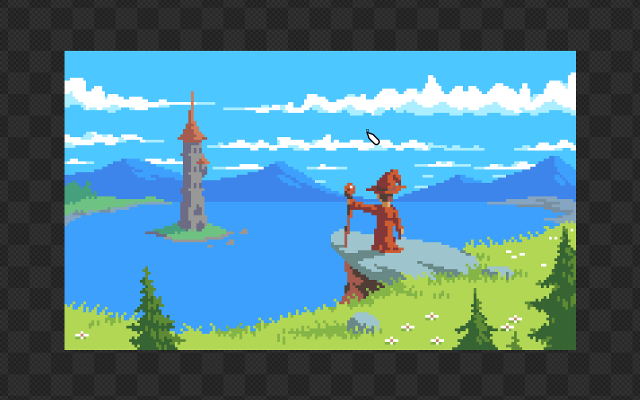
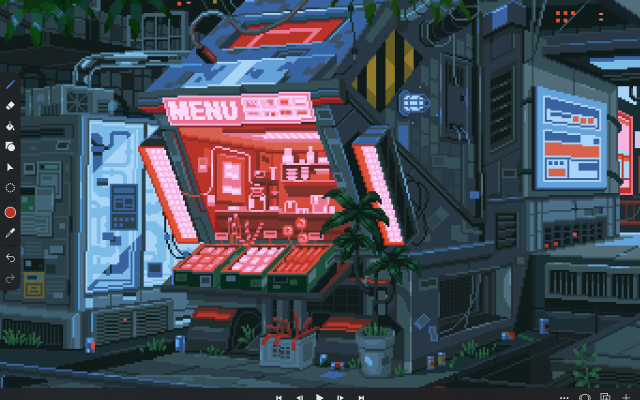
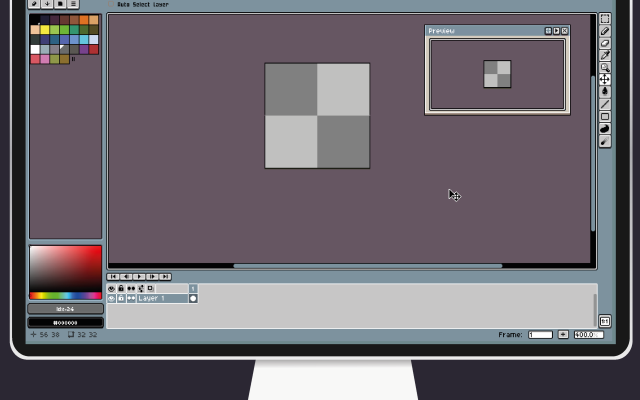
 voidspriteopen-source pixel art editor with extensive format support and features useful for game developmentFree24Pixel Art
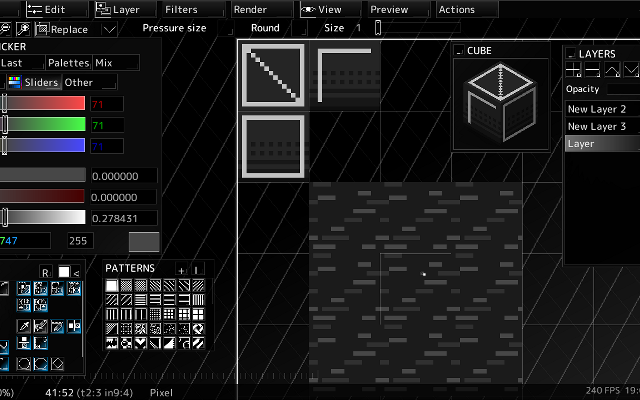
voidspriteopen-source pixel art editor with extensive format support and features useful for game developmentvoid◆sprite is an actively developed cross-platform, open-source pixelart editor.
voidspriteopen-source pixel art editor with extensive format support and features useful for game developmentFree24Pixel Art
voidspriteopen-source pixel art editor with extensive format support and features useful for game developmentvoid◆sprite is an actively developed cross-platform, open-source pixelart editor.
Has features useful for game development, such as split sessions (multiple files on one canvas) and previews of spritesheet animations, tilesets or 3D cubes.
Other unique features include: layer variants, on-canvas comments, custom patterns, templates and real-time LAN collaboration.
Supports many image formats, including some specific to other editors like Aseprite and GraphicsGale.
Most common color palette formats are supported too, and can be used in a separate indexed editor mode.Features:animationlayerspalette manipulationsprite sheet exportonlinetilemaps2dtilescross platformsprite editorimage conversionccollaboration24 6 pieces updated 23 days ago -
 6 screenshots
 AsepriteThe most popular dedicated pixel art editor, with animation, tilemaps and a scripting API.Paid18Pixel Art
AsepriteThe most popular dedicated pixel art editor, with animation, tilemaps and a scripting API.
AsepriteThe most popular dedicated pixel art editor, with animation, tilemaps and a scripting API.Paid18Pixel Art
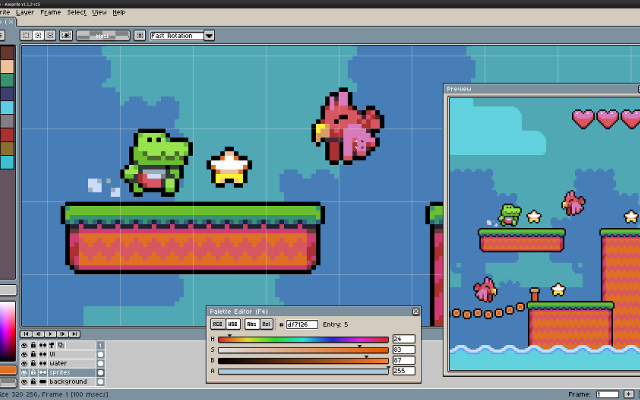
AsepriteThe most popular dedicated pixel art editor, with animation, tilemaps and a scripting API.Aseprite is a pixel art editor built around sprite work: an indexed-color workflow, onion skinning and a timeline for animation, tilemap layers, custom brushes, and export straight to sprite sheets. Extensions and Lua scripts add anything it lacks. It is the editor most Lospec artists reach for first.
Features:layersanimationonion skinningtilemapscustom brushespalette manipulationscriptingsprite sheet export18 451 pieces -
 8 screenshots
 PixiEditorA node-based open source editor with Lospec palette integration.Free14Pixel Art
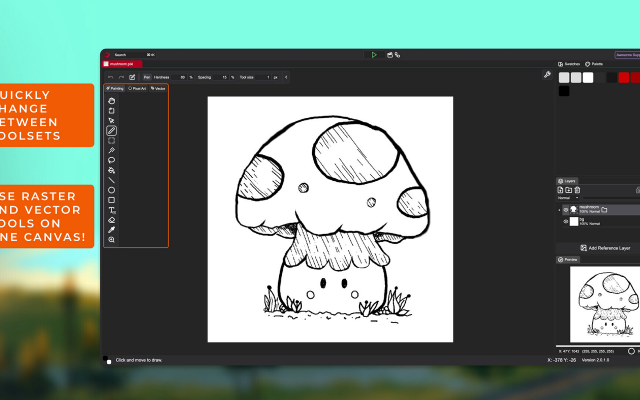
PixiEditorA node-based open source editor with Lospec palette integration.Free Open Source Pixel Art EditorsAnimation ToolsProcedural GeneratorsEffect & Particle GeneratorsLighting & Normal Map Tools ActivePixiEditor is a 2D graphics editor for creating and editing raster, vector, and procedural graphics. It supports pixel art, digital painting, vector shapes and paths, animation, and node-based image processing within the same document.
PixiEditorA node-based open source editor with Lospec palette integration.Free14Pixel Art
PixiEditorA node-based open source editor with Lospec palette integration.Free Open Source Pixel Art EditorsAnimation ToolsProcedural GeneratorsEffect & Particle GeneratorsLighting & Normal Map Tools ActivePixiEditor is a 2D graphics editor for creating and editing raster, vector, and procedural graphics. It supports pixel art, digital painting, vector shapes and paths, animation, and node-based image processing within the same document.
The editor uses a layer-based workflow combined with a node graph. Layers, effects, and other parts of a document can be represented as nodes and connected to create custom processing pipelines and procedural graphics.
Toolsets
PixiEditor includes several toolsets for different types of 2D work:
Pixel Art - tools designed for pixel-perfect drawing and editing.
Painting - brushes, shapes, and other raster painting tools.
Vector - vector shapes and paths.
These toolsets can be used together in the same document, allowing raster and vector content to be combined.
Animation
PixiEditor includes a timeline for creating frame-by-frame animations. Nodes can also be used to build procedural animations and animate custom effects.
Node Graph
Each document has an associated node graph used to define how its contents are generated and processed. Nodes can represent layers, effects, inputs, and other operations.
The node system can be used for non-destructive editing as well as procedural graphics and animations.Features:layerspalette list integrationpalette manipulationanimationonion skinningsprite sheet exportcustom brushestexture paintingextensions14 40 pieces -
 3 screenshots
 NovaboardA web-based pixel art editor that also runs on the desktop.Free5Pixel Art
NovaboardA web-based pixel art editor that also runs on the desktop.
NovaboardA web-based pixel art editor that also runs on the desktop.Free5Pixel Art
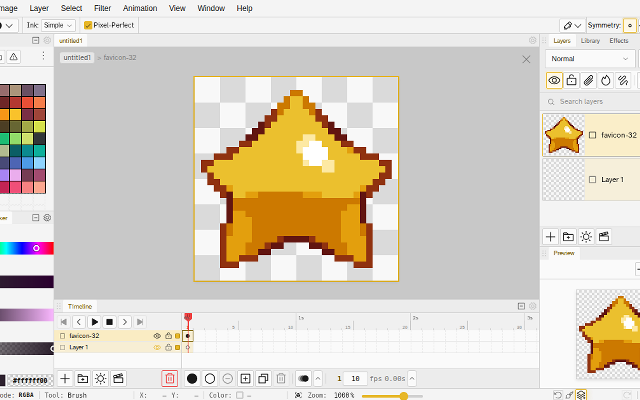
NovaboardA web-based pixel art editor that also runs on the desktop.Novaboard runs in the browser and as a desktop app, with layers, animation and effects.
Features:animationlayerspalette manipulation3d model exportonion skinningonlinesprite sheet export2dcustom brusheseffectssprite editorcross platform5 0 pieces -
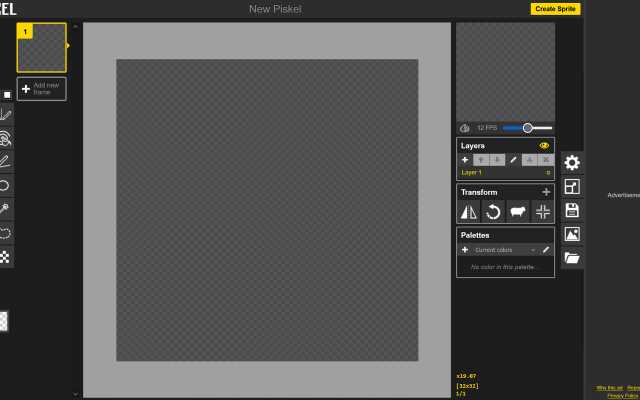
 PiskelA simple online pixel art and animated sprite editor.
Piskel is an open source editor that runs in the browser, with layers, animation and a public gallery. Development has stopped, but it still works and is a common first editor.
4 48 pieces -
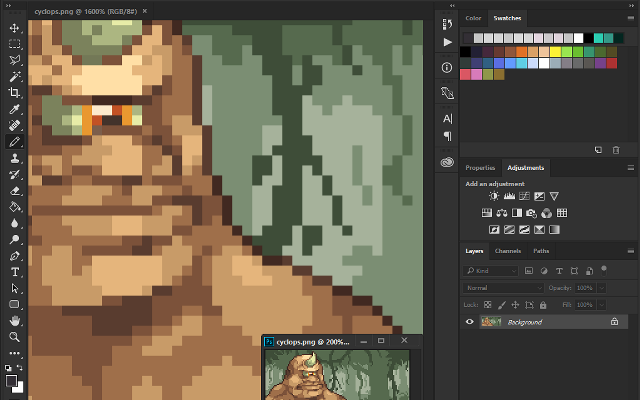
 PhotoshopThe big image editor, usable for pixel art with the right settings.
A general purpose image editor that can be set up for pixel art: nearest neighbour scaling, pencil tool, indexed color mode. Animation is awkward, but the flexibility lets you mimic advanced tools such as index painting.
3 62 pieces -
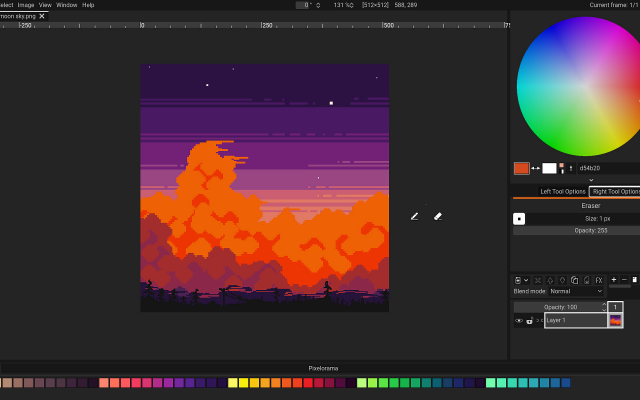
 PixeloramaA free, open source pixel art editor made with Godot.
Pixelorama is a full featured free editor: layers, animation with onion skinning, tile mode, palettes, and an active development pace. It runs on every desktop platform and in the browser.
3 23 pieces -
 LBITThe Lightweight Bitmap Illustration ToolLBIT is a minimal drawing program for pixel art
It's purpose is to provide only the minimum tools needed for creating pixel art, in the most minimal user interface possible. Nothing but a floating grid of squares and your lonely little cursor.
If you want fancy tools that do all the work for you, keep searchin, sista. If you need an interface with lots of text and buttons that describe everything to you, keep searchin, sista. If your brain can't memorize a single hotkey, keep searchin, sista.
Anything that could be left out was. Despite being minimal, LBIT also aims to be smooth and pretty, so it's pleasant to look at and use.LBIT is Extremely Lightweight
- a single 3.3 MB exe file
- uses ~2400KB of ram
- starts in 200 miliseconds
LBIT is Extremely Minimal
- No text or menus
- No buttons or windows
- Controlled with mouse / hotkeys
- No duplicated tools
LBIT Simplifies Pixelling
- no saving (instant autosave)
- no canvas sizes (infinite canvas)
- infinite history (undo all the way to the beginning)
- easy export of current selection / zoom level
LBIT has Cool Features
- tweak a color everywhere on the canvas live
- generate a gif of your entire piece from start to finish
- comprehensive mouse/keyboard shortcuts / combinations
- control the cursor with keyboard arrow keys
LBIT is Smooth
- - smooth transitions between zoom levels
- - drawing strokes optimized for smooth lines even at high resolutions
- - simple / clean cursors and background grid
But why?
Beautiful pixel art requires only a few simple tools, and I find shortcuts only lead you to worse results. For such a simple process, a complicated user interface is not necessary, so I also designed the entire app without any buttons or text. This puts the focus purely on the art.
Being completely mouse and hotkey focused also makes the program much quicker to use, so you can spend less time looking at menus and more time placing pixels.
This app may not be ideal for creating complex game assets, but can be a calmer experience for just making art.3 16 pieces -
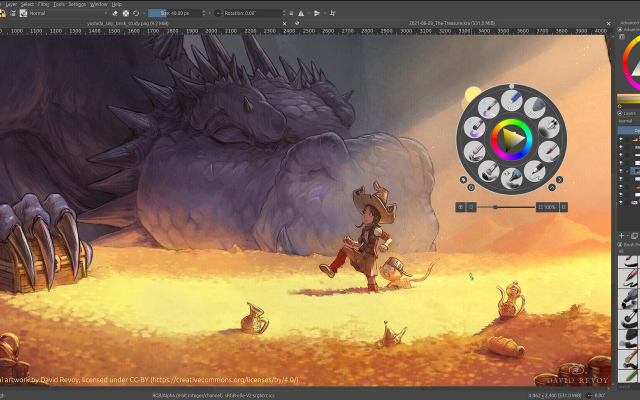 13 screenshots
 KritaA free digital painting program that can be set up for pixel art.Free3Pixel Art
KritaA free digital painting program that can be set up for pixel art.
KritaA free digital painting program that can be set up for pixel art.Free3Pixel Art
KritaA free digital painting program that can be set up for pixel art.Krita is intended for digital painting, but its pixel brush presets, indexed color filter and animation timeline make it a capable pixel art tool once configured.
3 5 pieces -
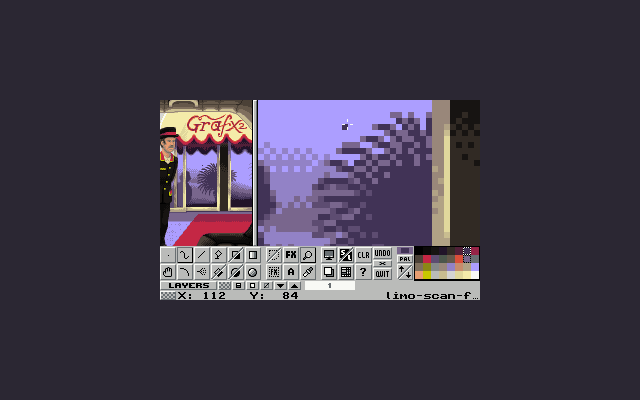 3 screenshots
 GrafX2A DOS-era bitmap editor inspired by Deluxe Paint, still going.Free3Pixel Art
GrafX2A DOS-era bitmap editor inspired by Deluxe Paint, still going.
GrafX2A DOS-era bitmap editor inspired by Deluxe Paint, still going.Free3Pixel Art
GrafX2A DOS-era bitmap editor inspired by Deluxe Paint, still going.GrafX2 was made for DOS and has been ported everywhere since. It has tools no other program does, constraints for retro platforms, and an antiquated interface.
3 1 piece -
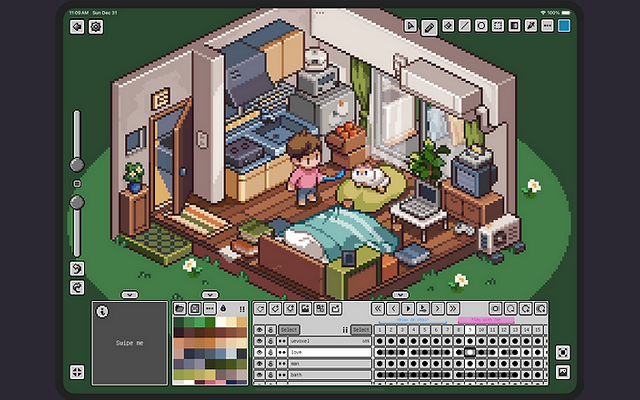 6 screenshots
 PixquareA pixel art app for the iPad and iPhone, built around the Apple Pencil.Paid2Pixel Art
PixquareA pixel art app for the iPad and iPhone, built around the Apple Pencil.
PixquareA pixel art app for the iPad and iPhone, built around the Apple Pencil.Paid2Pixel Art
PixquareA pixel art app for the iPad and iPhone, built around the Apple Pencil.Pixquare is a pixel art editor for iPad and iPhone with a deliberately dense feature set: layers, animation, palettes, tiled preview and pressure-aware Apple Pencil drawing. It reads and writes the formats desktop editors use, so a drawing started on a tablet finishes anywhere.
2 54 pieces -
 PixakiA full pixel art and animation studio built for the iPad.
Pixaki is a full pixel art studio for the iPad, built for drawing with the Apple Pencil rather than a mouse. It has layers, a proper animation timeline with onion skinning, palette tools and tiled preview, and exports sprite sheets, GIFs and layered files.
2 4 pieces -
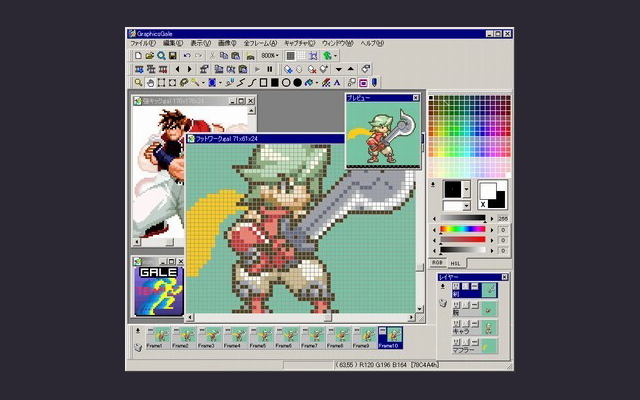 2 screenshotsGraphicsGaleA veteran Japanese animation-focused pixel art editor, now freeware.Free2Pixel Art
GraphicsGaleA veteran Japanese animation-focused pixel art editor, now freeware.
2 screenshotsGraphicsGaleA veteran Japanese animation-focused pixel art editor, now freeware.Free2Pixel Art
GraphicsGaleA veteran Japanese animation-focused pixel art editor, now freeware.GraphicsGale has been in use since 2005 and excels at animation, with onion skinning and frame-by-frame preview. It was made freeware in 2017. The interface shows its age but the tools are precise.
2 3 pieces -
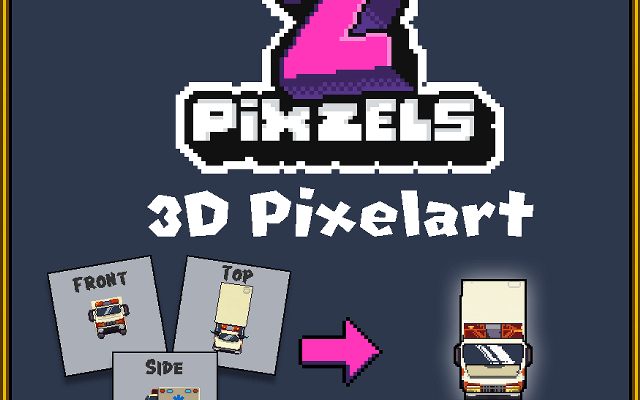
 PixZelsTurn 2D pixel art into isometric and top-down 3D assets.
A standalone program for building isometric and top-down assets by extruding pixel art into 3D.
2 0 pieces -
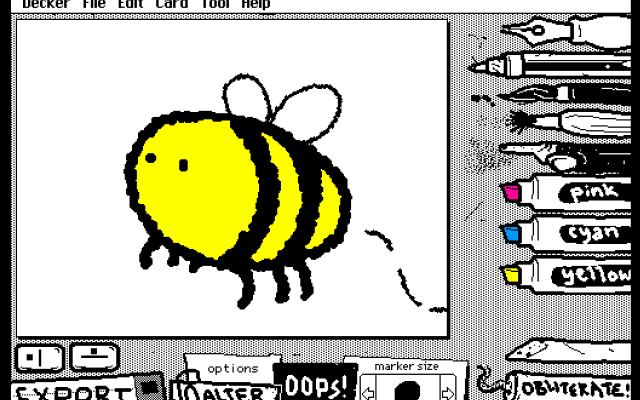 2 screenshotsWigglypaintA pixel painting program where all the lines wobble and move.Free2Pixel Art
WigglypaintA pixel painting program where all the lines wobble and move.Wigglypaint is a basic drawing program similar to MS Paint, but every mark you make moves in a different way depending on the tool. Images are exported as animated GIFs.2 0 pieces
2 screenshotsWigglypaintA pixel painting program where all the lines wobble and move.Free2Pixel Art
WigglypaintA pixel painting program where all the lines wobble and move.Wigglypaint is a basic drawing program similar to MS Paint, but every mark you make moves in a different way depending on the tool. Images are exported as animated GIFs.2 0 pieces -
 LibreSpriteA free, open source fork of Aseprite from before its license changed.
LibreSprite continues the last GPL version of Aseprite as a community project. It keeps the familiar layers, animation timeline and palette tools, and adds its own scripting and a browser build.
1 26 pieces -
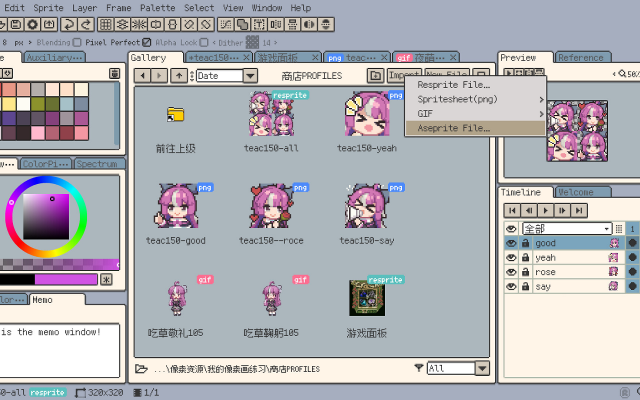 6 screenshots
 RespriteA pixel art editor that runs the same project on a phone, a tablet and a desktop.Freemium1Pixel Art
RespriteA pixel art editor that runs the same project on a phone, a tablet and a desktop.
RespriteA pixel art editor that runs the same project on a phone, a tablet and a desktop.Freemium1Pixel Art
RespriteA pixel art editor that runs the same project on a phone, a tablet and a desktop.Resprite is a pixel art and animation editor for iOS, Android, Windows and macOS, built around a touch interface without losing the tools a desktop editor has: pixel-perfect lines, alpha lock, dithering patterns, custom brushes, gradients and symmetry. It imports and exports GIF, sprite sheets, PSD and APNG.
1 20 pieces -
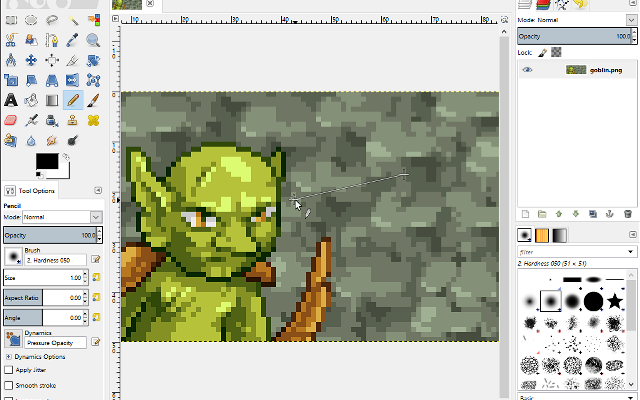
 GIMPThe free, open source image editor, configurable for pixel art.
A multi-purpose image editor designed as a free replacement for Photoshop. It can be configured for pixel art with the pencil tool, indexed mode and nearest neighbour scaling.
1 9 pieces -
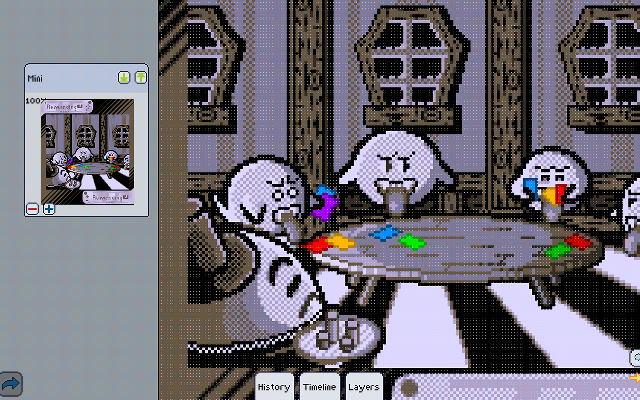 9 screenshotsPixlyAn Android pixel art editor whose Play Store listing is no longer up.Free1Pixel Art
PixlyAn Android pixel art editor whose Play Store listing is no longer up.
9 screenshotsPixlyAn Android pixel art editor whose Play Store listing is no longer up.Free1Pixel Art
PixlyAn Android pixel art editor whose Play Store listing is no longer up.Pixly is a game-oriented pixel art and animation editor for Android, with the gestures worked out for a touchscreen: two fingers to pan and zoom, three to change the brush size. It covers layers, onion-skinned animation, symmetry, real-time tiling and cloud sync. Its own site is still up and still points at Google Play as the only way to get it, but that listing no longer resolves.
1 5 pieces -
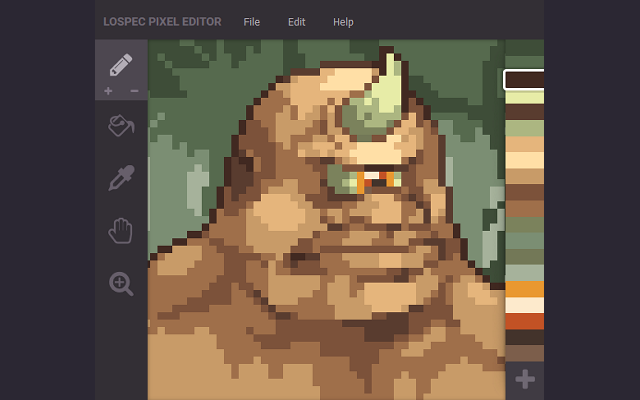 2 screenshots
 Lospec Pixel EditorLospec's own simple browser editor, no longer in development.Free1Pixel Art
Lospec Pixel EditorLospec's own simple browser editor, no longer in development.
Lospec Pixel EditorLospec's own simple browser editor, no longer in development.Free1Pixel Art
Lospec Pixel EditorLospec's own simple browser editor, no longer in development.A basic web-based editor made to be simple and intuitive, which can load any palette from the Lospec palette list. It is no longer in development and may contain bugs.
Features:palette list integration1 4 pieces -
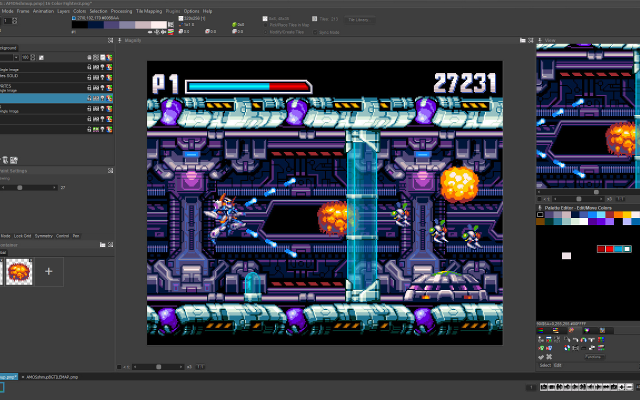 6 screenshotsPro Motion NGA professional pixel art and animation tool descended from Deluxe Paint.Paid1Pixel Art
Pro Motion NGA professional pixel art and animation tool descended from Deluxe Paint.
6 screenshotsPro Motion NGA professional pixel art and animation tool descended from Deluxe Paint.Paid1Pixel Art
Pro Motion NGA professional pixel art and animation tool descended from Deluxe Paint.Pro Motion NG is inspired by Amiga Deluxe Paint and used in commercial game studios. It has a detached-window interface, deep palette and tile tools, and an animation workflow tuned for sprite production.
1 3 pieces -
 InkticaPixel art editor for iOS and AndroidInktica is a pixel art editor for artists and game developers creating low-resolution graphics and editing textures.
Core Editing & Selection Tools
Drawing Tools: Includes Brush, Eraser, Flood-fill, Gradient, Line, Rectangle, Ellipse, and Pipette.
Pixel-Perfect Algorithm: Applies to drawing tools to ensure single-pixel-wide lines without unwanted extra pixels.
Selection: Supports copying, cutting, moving, pasting, rotating, and flipping selected image sections.
Layers: Supports layer management for organizing artwork elements.
Animation & Reference
Frame-by-Frame Animation: Includes dedicated tools for creating frame-based animations.
Onion Skinning: Displays overlay previews of preceding frames relative to the active frame.
Reference Images: Loads gallery images onto the canvas for comparison while drawing.
Color Palettes
Preset Palettes: Includes built-in palettes based on hardware profiles like Atari 2600, NES, and Game Boy.
Custom & Imported Palettes: Supports custom color palettes as well as importing palettes from Lospec.
Import, Export & Compatibility
File Import: Opens Aseprite project files (.ase, .aseprite) alongside standard raster formats (.png, .jpeg, .gif).
Export & Upscaling: Exports animations and images to formats including MP4 video, standard raster formats, or local storage/social sharing, with upscaling options to prevent interpolation blur on standard displays.
1 1 piece -
 4 screenshots
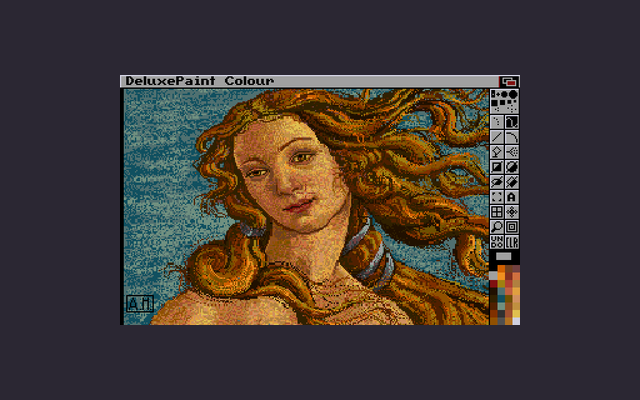
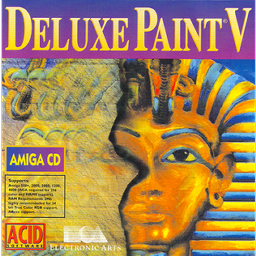 Deluxe PaintThe Amiga paint program that most early game art was drawn in.Paid1Pixel Art
Deluxe PaintThe Amiga paint program that most early game art was drawn in.
Deluxe PaintThe Amiga paint program that most early game art was drawn in.Paid1Pixel Art
Deluxe PaintThe Amiga paint program that most early game art was drawn in.Deluxe Paint was the paint program of the Amiga era and the tool a great deal of 1980s and 1990s game art was made in. Its custom brushes, palette cycling and animation features set conventions that pixel art editors still follow, and its keyboard-driven workflow is why so many later programs feel the way they do. It is no longer sold; the versions that survive do so through archives and emulation.
1 0 pieces
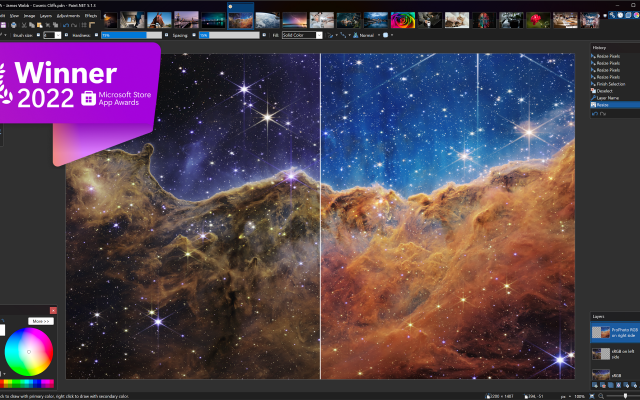
 Paint.NET
There are no more software for your current criteria.
There are no software for your current criteria.
AD| join Patreon to remove ads!
Thanks for your feedback! If you want to say more, please post a Suggestion or Bug Report!
our next patreon goal: $263 / $500