Burnt Season POTD
Created by -CodingIsFun-
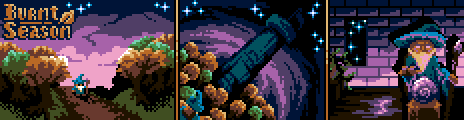
Generated via a custom OKLCH algorithm and lightness-hue manipulation 1/2
Likes:
- #burntseason
- 16 colors
- 301 downloads
Warning: a modern web browser is required to use this website.
We detected that you may have an out of date or unsupported web browser. This tool, like many others on this site and across the web uses features only available in new web browsers. We reccommend updating your current browser or downloading Firefox or Chrome.
The Lospec Palette List is a database of palettes for pixel art. We include both palettes that originate from old hardware that could only display a few colors, as well as palettes created by pixel artists specifically for making art.
Usage Guide | Random Palette | Rejected Palettes | Your Likes
Created by -CodingIsFun-
Generated via a custom OKLCH algorithm and lightness-hue manipulation 1/2
Created by Doph
A Star Command approved set of 8 colors.
Created by SeDiceBisonte
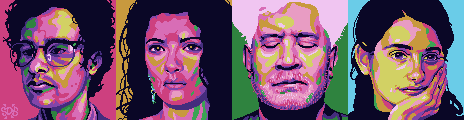
A palette inspired by the colours in the music video for Omar Rodríguez-López's track 'Agua Dulce de Pulpo' from the album Un Escorpión Perfumado. It was originally intended for bold, colourful portraits with non-natural colouring.
Created by georgiebats
A 24 color palette featuring hues from around the color wheel, but excluding red and orange. Created for the Pug24 Prelude Challenge.
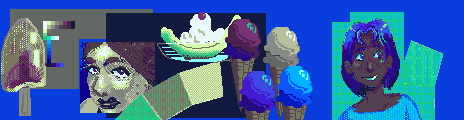
Example by georgiebats
Tags: coolcolors, warmgray, pug24
Submitted by fortyfour44
Created by Jude Buffum
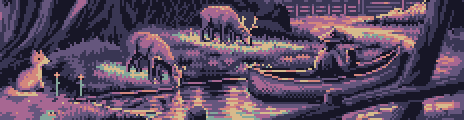
A tranquil palette of dusty purples, soft pinks, and muted greens, perfect for dreamy woodland scenes, peaceful wildlife, and shimmering reflections.
Created by SomeRandomFrog
A simple palette inspired by the vintage look and feel of old diners and cars. Some nice pastel tones as well as a few dark ones for balance. Was originally created for a class but I liked it enough to upload it!
Created by Pipstifelle
The streets are lit up.
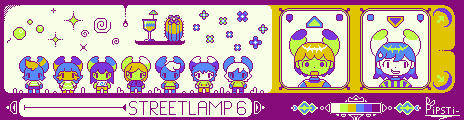
The image example for the Streetlamp 6 palette. - by Pipstifelle
Created by Phenomenician
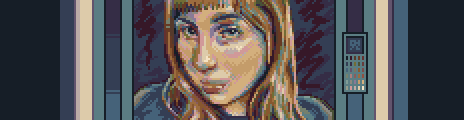
Tags: portraiture, generalpurpose, b31
Submitted by Informal-Motor3373
It looks Enhanced Graphics Adapter with only normal and dark. But we modified colors.
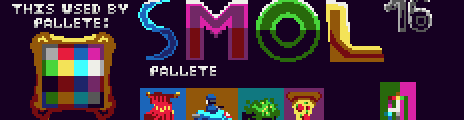
I can't fit my example . It has 464x120 , mine was 464x162. So did you know. - by Informal-Motor3373
Created by pernova
A random pallet i made inspired off of Congregation
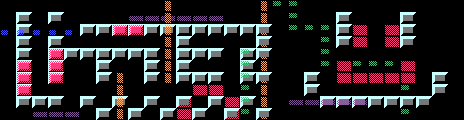
Example by pernova

Example by pernova
Tags: limitedpalette, 3bit
AD| join Patreon to remove ads!
Popup Message
Choose one of the services below to link to your Lospec Account:
Already have an account? Login now


Thanks for your feedback! If you want to say more, please post a Suggestion or Bug Report!
our next patreon goal: $261 / $500