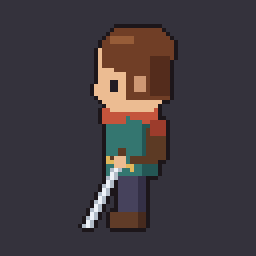
About Spritefold for Aseprite
Spritefold for Aseprite adds two commands to Aseprite's File > Export menu for RPG Maker MV and MZ.
RPG Maker Battler Sheet reads an animation's tags by pose name (Idle, Attack, Hurt, Spell, Victory, Dead and the other side-view poses, plus alternative names such as Slash or KO) and arranges the 18 poses, three frames each, in RPG Maker's 9 x 6 side-view battler layout for the img/sv_actors folder. Poses without a tag use the Idle frames. Options: flip art that faces right, pad cells to 64 x 64, and scale 1x to 4x. A preview plays the poses at RPG Maker's battle speed.
RPG Maker Character Sheet turns walk tags (down, left, right, up) or a 12-frame timeline into a single-character sheet, or into one slot of an eight-character sheet. It reads 3-, 4- and 9-frame walk cycles and can use the left walk flipped for the right. It can also name the file with RPG Maker's ! prefix, which marks objects such as doors.
It needs Aseprite 1.3 or later and does not modify the sprite.