Filtering Options:
11 software:
-
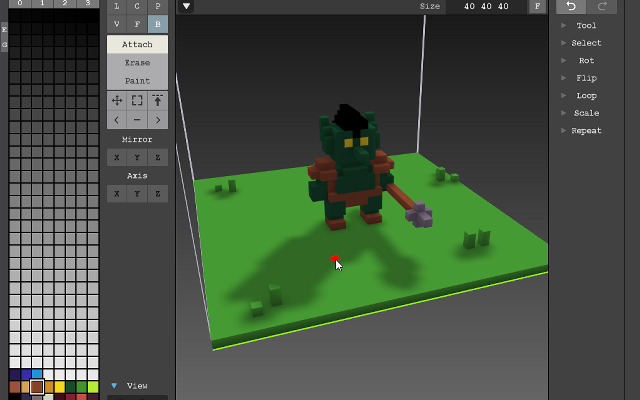
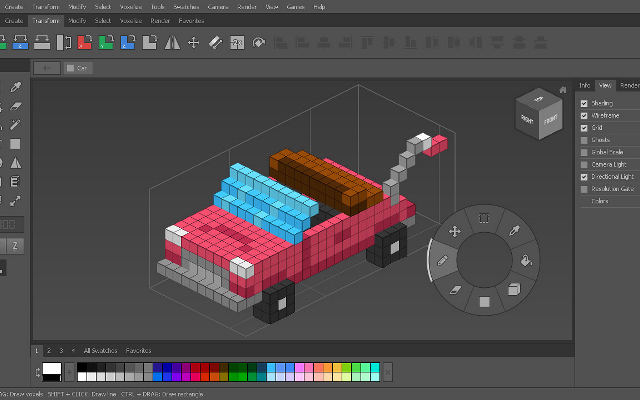
 MagicaVoxelA free lightweight voxel editor with a built-in path tracer.
The most popular voxel editor: fast, small, and with a renderer good enough that most voxel art you see was rendered inside it.
3 2 pieces -
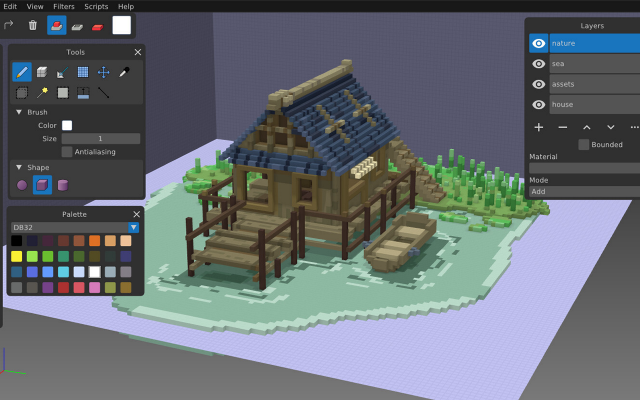
 GoxelAn open source voxel editor for desktop, mobile and the web.
Goxel is a free voxel editor with layers, a procedural renderer and unlimited scene size, available on every platform.
0 1 piece -
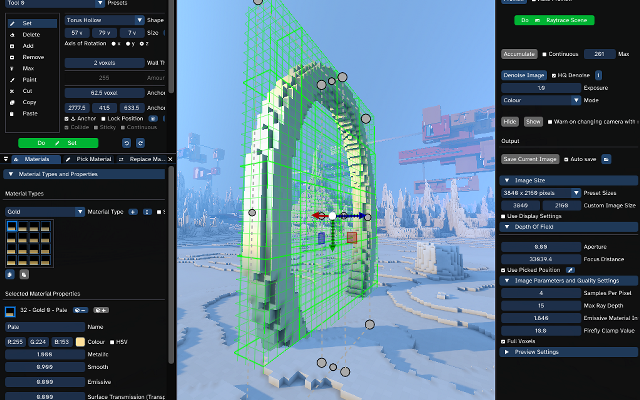
 AvoydA voxel editor and renderer built for very large scenes.
Avoyd edits and renders voxel scenes with billions of voxels, with a custom smoothing algorithm and imports for Minecraft maps.
0 0 pieces -
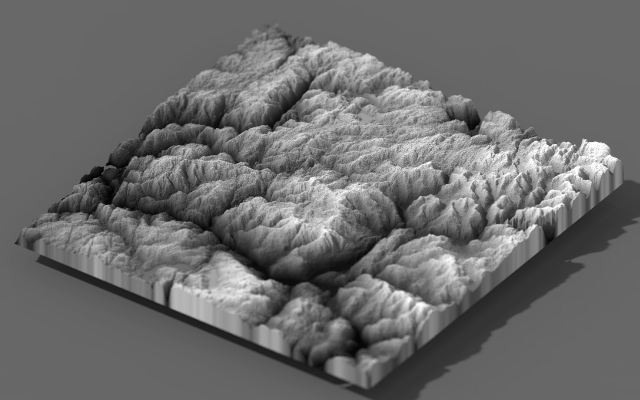 4 screenshots
 FileToVoxConverts meshes, point clouds, images and heightmaps into voxel models.Free0Voxel Art
FileToVoxConverts meshes, point clouds, images and heightmaps into voxel models.
FileToVoxConverts meshes, point clouds, images and heightmaps into voxel models.Free0Voxel Art
FileToVoxConverts meshes, point clouds, images and heightmaps into voxel models.FileToVox converts things that are not voxel models into voxel models: meshes, point clouds, heightmaps, images and Minecraft schematics all become MagicaVoxel files. It runs from the command line, which makes it easy to put in a pipeline.
0 0 pieces -
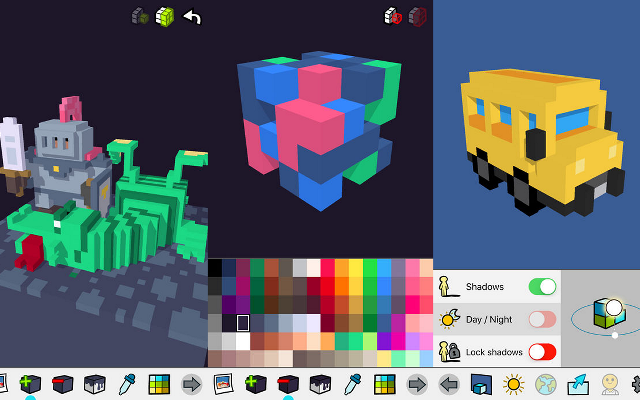
 ParticubesA voxel editor for iOS, no longer available.
Particubes was a voxel editor and game platform for iPhone and iPad, later rebuilt as Cubzh. The studio behind it has since moved on to other products and the app is no longer available from its authors.
Features:3d model export0 0 pieces -
QubicleThe professional voxel editor used on Crossy Road and Trove.
Qubicle has been developed since 2010 and is the editor of choice for many studios, with turnaround GIF export, model export, slice editing and a voxelizer.
0 0 pieces -
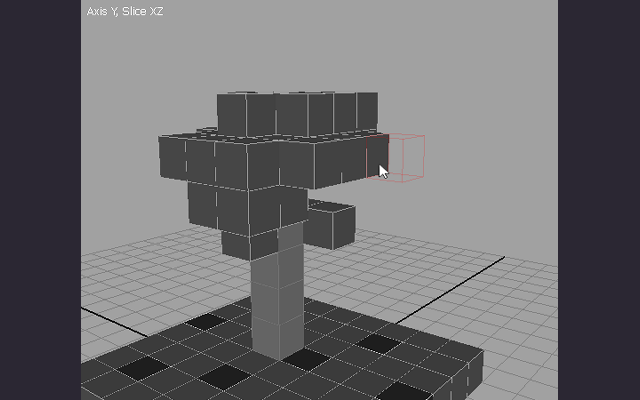
SproxelA simple open source voxel editor.
An open source editor made to be simple and easy to use, with slice editing and model export.
0 0 pieces -
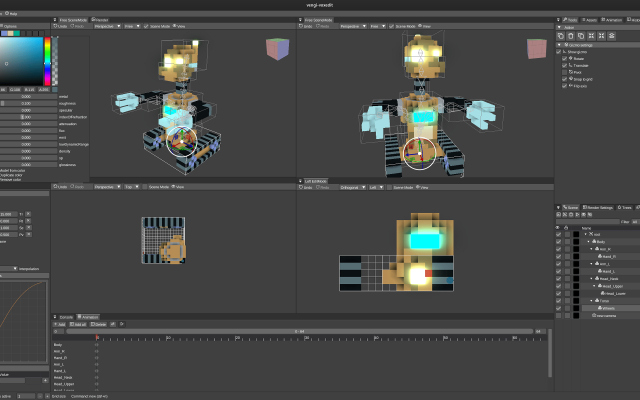
VoxEditA free voxel modeller and animator from The Sandbox.
VoxEdit is a free voxel modeller and animator made by The Sandbox for building assets for their game, though the models and animations it produces are usable anywhere. It covers modelling, rigging and animation in one program.
0 0 pieces -
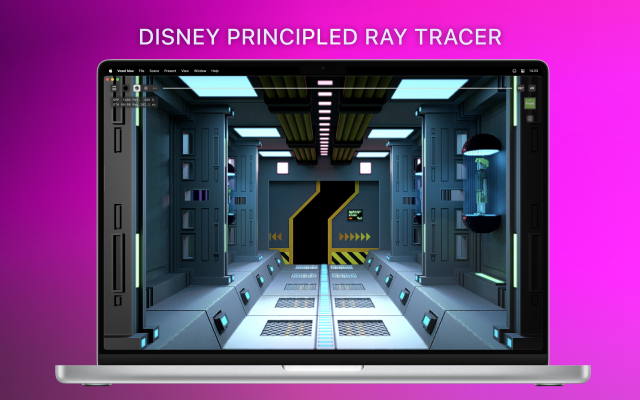
 Voxel MaxA voxel editor for iPad, iPhone and Mac
Voxel Max is a voxel editor for iPhone, iPad and Mac. Models are built in a workspace of up to 256×256×256 voxels using SDF-based brushes, with a full undo history. Earlier operations keep editable control points, so a shape can still be adjusted after it has been placed. Input is handled through touch, Apple Pencil, keyboard and mouse.
Colour uses a 255-colour palette combined with eight material layers, so the same palette index can carry different roughness, metalness, emission or transparency. The viewport renders those materials in real time with ray-traced lighting, and finished models can be viewed in augmented reality on device.
Larger scenes are assembled from multiple objects through a scene editor and asset manager. Projects import and export as MagicaVoxel .vox, Qubicle, USDZ, GLB/glTF, FBX, OBJ, STL, DAE and PNG, which covers most game and rendering pipelines. A feature called Foundry AI generates voxel assets from images and 3D scans.
It is aimed at voxel artists and game developers who want to model away from a desktop machine, though the touch controls and the official tutorial series also make it approachable for people new to voxel art. The interface is English only, and the Mac version requires Apple Silicon.
Features:sdf brusheseditable control pointsundo historymaterial layersreal time renderingray tracingar previewapple pencilscene editorasset managervox importusdz exportgltf exportobj exportfbx exportimage to voxel0 0 pieces -
0 screenshotsVoxelDraftBrowser-based voxel editor for creating and exporting voxel artFreemium0Voxel Art
VoxelDraftBrowser-based voxel editor for creating and exporting voxel artVoxelDraft is a browser-based voxel editor for making small voxel scenes, characters, and game assets. It provides editing, rendering, animation, sharing, and export workflows for OBJ, GLB, VOX, Minecraft .schem, and Roblox .rbxl formats. Because it runs in a browser, it can be used without installing a desktop editor. A hosted MCP endpoint is also available for AI-assisted voxel modeling workflows.0 0 pieces updated a month ago
There are no more software for your current criteria.
There are no software for your current criteria.
AD| join Patreon to remove ads!
Thanks for your feedback! If you want to say more, please post a Suggestion or Bug Report!
our next patreon goal: $263 / $500