Filtering Options:
17 software:
-
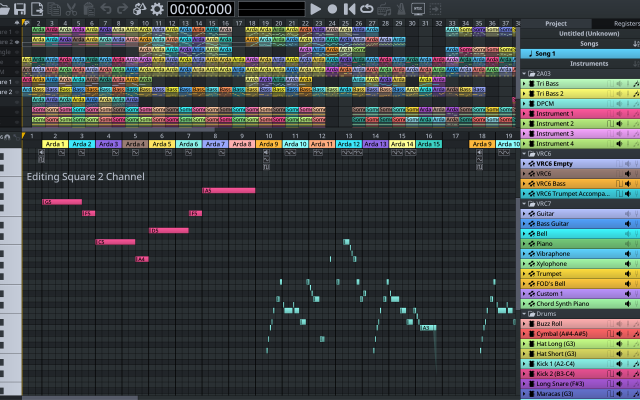
 FamiStudioOpen-source NES music editor with a DAW-like workflowFree Free desktop/Android; iOS US$4.99 one-time. Open Source Chiptune DAWs & SequencersViewers & Players ActiveFamiStudio is a simple music editor for the Nintendo Entertainment System or Famicom. It is targeted at both chiptune artists and NES homebrewers.3 0 pieces
 -
 LÖVEA free framework for making 2D games in Lua.
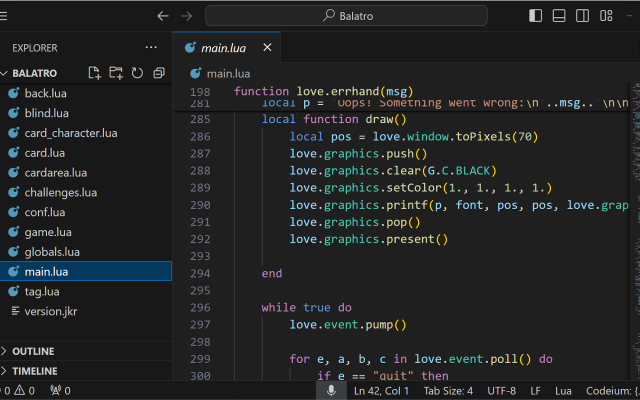
LÖVE is a small, well documented Lua framework with nearest-neighbour filtering and canvases that make pixel-perfect rendering easy.
3 0 pieces -
 6 screenshots
 PixquareA pixel art app for the iPad and iPhone, built around the Apple Pencil.Paid2Pixel Art
PixquareA pixel art app for the iPad and iPhone, built around the Apple Pencil.
PixquareA pixel art app for the iPad and iPhone, built around the Apple Pencil.Paid2Pixel Art
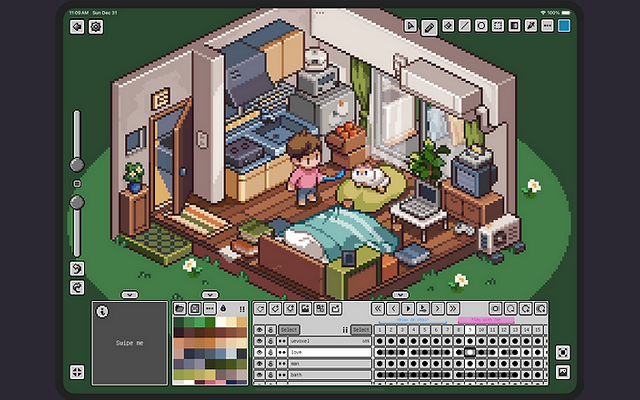
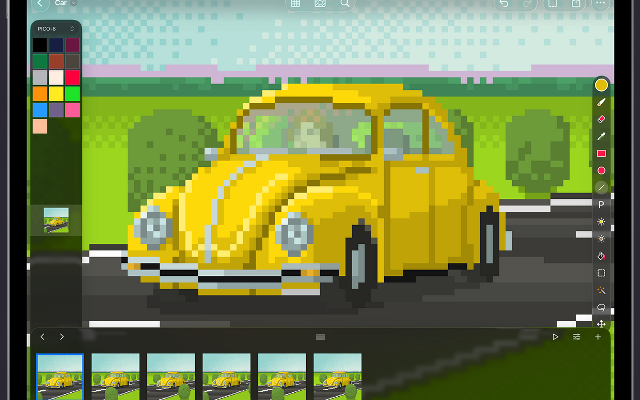
PixquareA pixel art app for the iPad and iPhone, built around the Apple Pencil.Pixquare is a pixel art editor for iPad and iPhone with a deliberately dense feature set: layers, animation, palettes, tiled preview and pressure-aware Apple Pencil drawing. It reads and writes the formats desktop editors use, so a drawing started on a tablet finishes anywhere.
2 54 pieces -
 6 screenshots
 RespriteA pixel art editor that runs the same project on a phone, a tablet and a desktop.Freemium1Pixel Art
RespriteA pixel art editor that runs the same project on a phone, a tablet and a desktop.
RespriteA pixel art editor that runs the same project on a phone, a tablet and a desktop.Freemium1Pixel Art
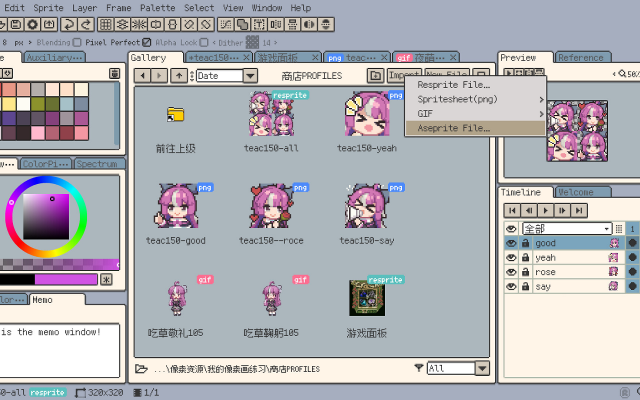
RespriteA pixel art editor that runs the same project on a phone, a tablet and a desktop.Resprite is a pixel art and animation editor for iOS, Android, Windows and macOS, built around a touch interface without losing the tools a desktop editor has: pixel-perfect lines, alpha lock, dithering patterns, custom brushes, gradients and symmetry. It imports and exports GIF, sprite sheets, PSD and APNG.
1 21 pieces -
 InkticaPixel art editor for iOS and AndroidInktica is a pixel art editor for artists and game developers creating low-resolution graphics and editing textures.
Core Editing & Selection Tools
Drawing Tools: Includes Brush, Eraser, Flood-fill, Gradient, Line, Rectangle, Ellipse, and Pipette.
Pixel-Perfect Algorithm: Applies to drawing tools to ensure single-pixel-wide lines without unwanted extra pixels.
Selection: Supports copying, cutting, moving, pasting, rotating, and flipping selected image sections.
Layers: Supports layer management for organizing artwork elements.
Animation & Reference
Frame-by-Frame Animation: Includes dedicated tools for creating frame-based animations.
Onion Skinning: Displays overlay previews of preceding frames relative to the active frame.
Reference Images: Loads gallery images onto the canvas for comparison while drawing.
Color Palettes
Preset Palettes: Includes built-in palettes based on hardware profiles like Atari 2600, NES, and Game Boy.
Custom & Imported Palettes: Supports custom color palettes as well as importing palettes from Lospec.
Import, Export & Compatibility
File Import: Opens Aseprite project files (.ase, .aseprite) alongside standard raster formats (.png, .jpeg, .gif).
Export & Upscaling: Exports animations and images to formats including MP4 video, standard raster formats, or local storage/social sharing, with upscaling options to prevent interpolation blur on standard displays.
1 1 piece -
 DefleMaskA multi-system tracker with a friendly interface.
DefleMask targets the Mega Drive, Game Boy, NES, PC Engine, Master System, C64 and more, exporting files that run on real hardware.
1 0 pieces -
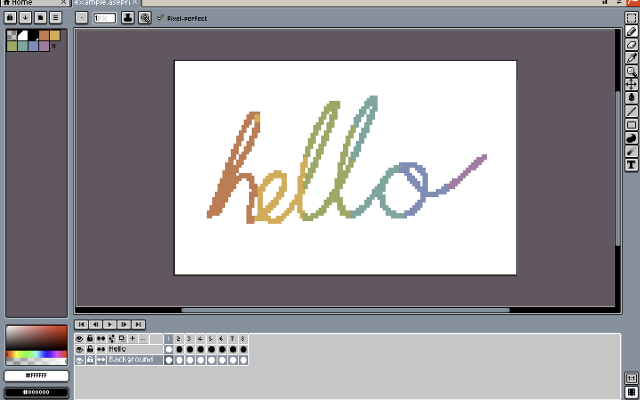
 XpriteFree, open-source pixel art and animation editor for the browser.Xprite is a free, open-source browser-based editor for pixel art, sprites, and frame-by-frame animation. It provides drawing tools, layers, animation frames and tags, palette controls, and export to PNG, GIF, and sprite sheets. It runs in modern browsers and can be installed as a PWA on supported desktop and mobile devices.
The editor opens and saves .ase and .aseprite projects. It supports mouse, touch, and stylus input, with panels that can be moved, resized, and combined into a custom workspace. The interface is available in English and Simplified Chinese.
Core editing runs locally on the user's device. Browser-saved projects do not automatically sync between devices, so downloadable project files should be kept as backups.
Xprite is is an independent project inspired by Aseprite and LibreSprite, and is not affiliated with or endorsed by Aseprite or Igara Studio.1 0 pieces -
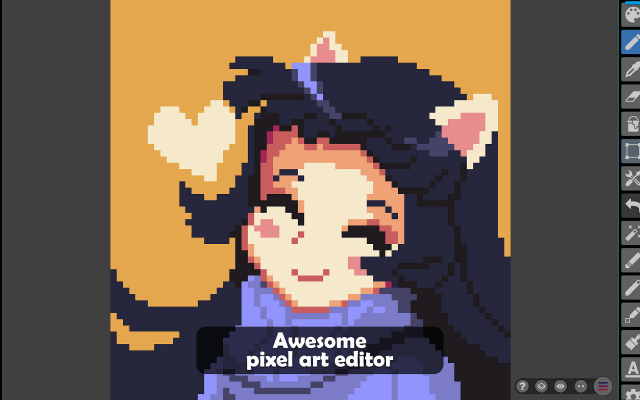 9 screenshots
 Pixel StudioA cross-platform pixel art editor that syncs the same project between desktop and phone.Freemium0Pixel Art
Pixel StudioA cross-platform pixel art editor that syncs the same project between desktop and phone.
Pixel StudioA cross-platform pixel art editor that syncs the same project between desktop and phone.Freemium0Pixel Art
Pixel StudioA cross-platform pixel art editor that syncs the same project between desktop and phone.Pixel Studio is a pixel art editor that runs on desktop, phone and tablet with the same project open on all of them. It covers layers, animation with onion skinning, tilesets and palettes, and reads and writes Aseprite files, which makes it a practical way to keep drawing away from a desk.
0 9 pieces -
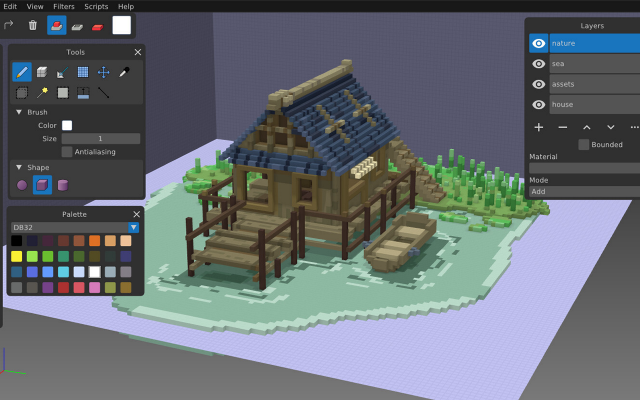
 GoxelAn open source voxel editor for desktop, mobile and the web.
Goxel is a free voxel editor with layers, a procedural renderer and unlimited scene size, available on every platform.
0 1 piece -
 DivoomThe official app for Divoom products, allowing you to create and import pixel art to display on Divoom devices.
Divoom is a pixel art editor for Android and iOS devices, letting you create and import pixel art for display on Divoom devices such as the Ditoo speaker or the Pixoo picture frame.
It can be used without these devices just as a portable pixel art program and features the ability to import and resize images, as well as layers and animations.
There is also a text display function with many animated effects and palettes, as well as some audio features such as a keyboard and simple DJ mixer.
Divoom also features a pixel art gallery and community, allowing you to display images from community members on your devices and interact with pixel artists across the globe.
0 0 pieces -
 8 screenshotsNanoloopA minimal grid sequencer for the Game Boy, and a synth app on the phone.Paid0Chiptune
 NanoloopA minimal grid sequencer for the Game Boy, and a synth app on the phone.
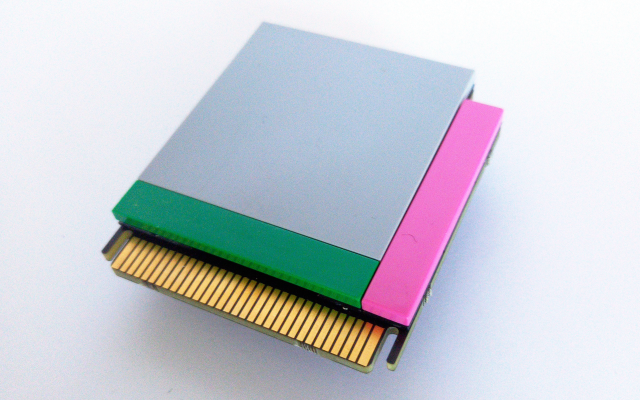
Nanoloop is a music sequencer built around a grid rather than a tracker's note list, which makes it quick to sketch a pattern and hard to write anything conventional. It started as a Game Boy cartridge, where it synthesises sound on the console's own hardware, and also exists as a phone app.
0 0 pieces -
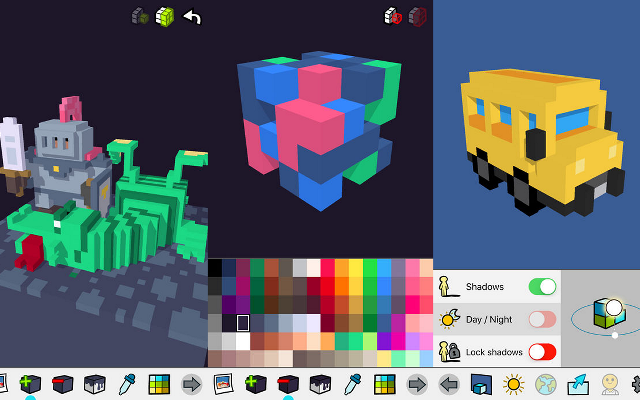
 ParticubesA voxel editor for iOS, no longer available.
Particubes was a voxel editor and game platform for iPhone and iPad, later rebuilt as Cubzh. The studio behind it has since moved on to other products and the app is no longer available from its authors.
Features:3d model export0 0 pieces -
 PixenA native pixel art editor for the Mac, iPhone and iPad.
Pixen is a pixel art and animation editor built as a proper Mac application, with the same project openable on an iPhone or iPad. It is aimed at low-resolution bitmaps and 8-bit sprites: layers, palettes, an animation timeline and the system features a native app gets, like versions and autosave.
0 0 pieces -
SunVoxA modular synth and tracker that runs on almost anything.Freemium free on desktop, paid on mobile Chiptune TrackersSynths & InstrumentsDAWs & Sequencers Active
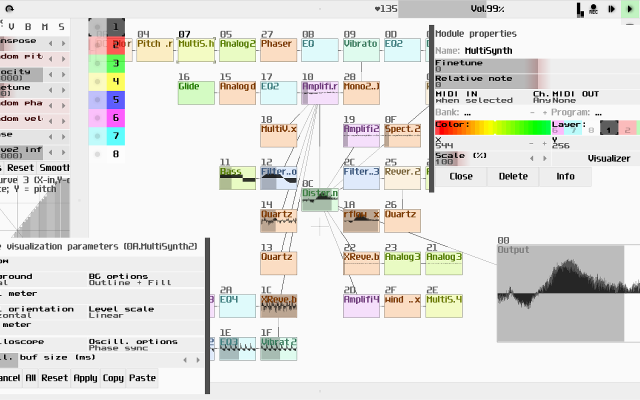
SunVox combines a pattern tracker with a modular synthesizer, and runs the same on desktops, phones and the web.
0 0 pieces -
 Voxel MaxA voxel editor for iPad, iPhone and Mac
Voxel Max is a voxel editor for iPhone, iPad and Mac. Models are built in a workspace of up to 256×256×256 voxels using SDF-based brushes, with a full undo history. Earlier operations keep editable control points, so a shape can still be adjusted after it has been placed. Input is handled through touch, Apple Pencil, keyboard and mouse.
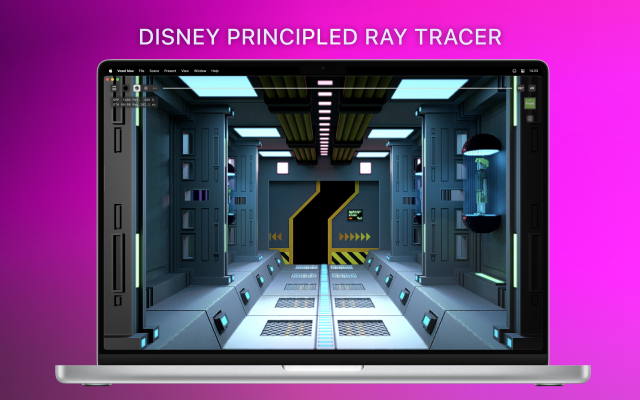
Colour uses a 255-colour palette combined with eight material layers, so the same palette index can carry different roughness, metalness, emission or transparency. The viewport renders those materials in real time with ray-traced lighting, and finished models can be viewed in augmented reality on device.
Larger scenes are assembled from multiple objects through a scene editor and asset manager. Projects import and export as MagicaVoxel .vox, Qubicle, USDZ, GLB/glTF, FBX, OBJ, STL, DAE and PNG, which covers most game and rendering pipelines. A feature called Foundry AI generates voxel assets from images and 3D scans.
It is aimed at voxel artists and game developers who want to model away from a desktop machine, though the touch controls and the official tutorial series also make it approachable for people new to voxel art. The interface is English only, and the Mac version requires Apple Silicon.
Features:sdf brusheseditable control pointsundo historymaterial layersreal time renderingray tracingar previewapple pencilscene editorasset managervox importusdz exportgltf exportobj exportfbx exportimage to voxel0 0 pieces -
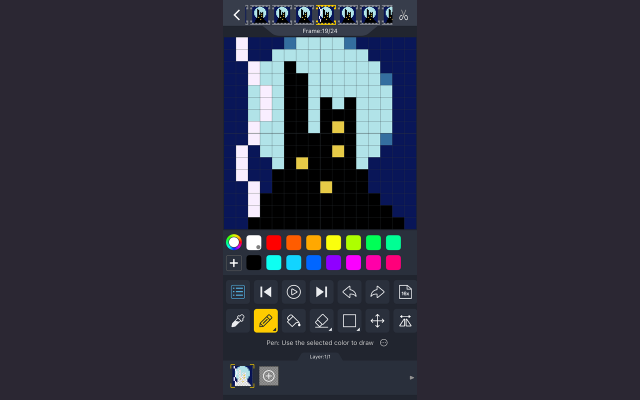
 dotpictA phone pixel art app built around a drawing community.
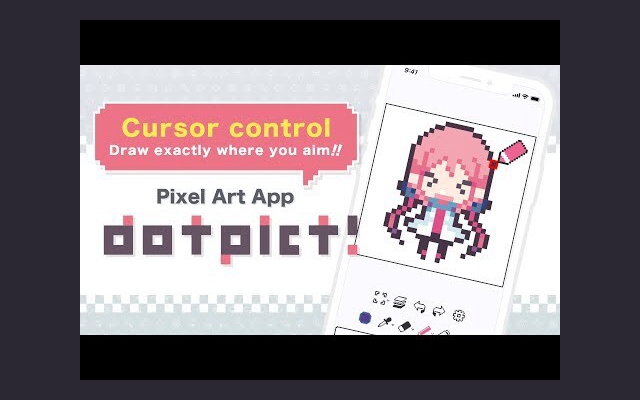
dotpict is a phone app for drawing pixel art, built around a community that posts and comments on what it makes. The canvas is deliberately small and the tools are few, which suits short sessions and daily practice more than long production work.
0 0 pieces -
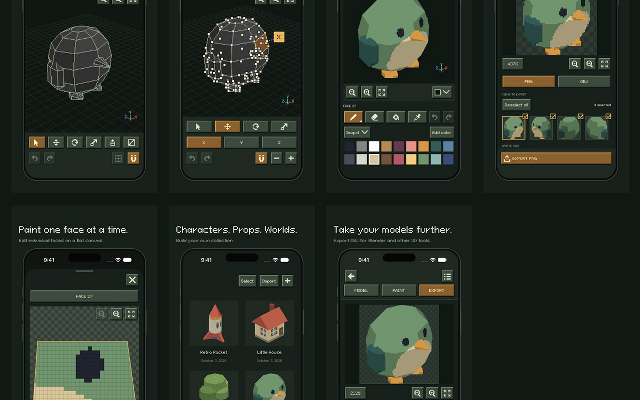
 isopxlIsopxl is a low poly 3d pixel art editorIsopxl is a low poly 3d editor for pixel art game developers and artists. You can create 3d models, paint textures, and export assets specifically for isometric games, though it also includes an OBJ exporter so you can take your models further in tools like Blender.
Isopxl's strongest use is making small 3d assets that become consistent pixel-art sprites. You can rotate an object, check its silhouette, and keep details consistent between views. Palettes and surface painting give you control over its visual style.
0 0 pieces
There are no more software for your current criteria.
There are no software for your current criteria.
AD| join Patreon to remove ads!
Thanks for your feedback! If you want to say more, please post a Suggestion or Bug Report!
our next patreon goal: $263 / $500