Filtering Options:
21 software:
-
 4 screenshots
 voidspriteopen-source pixel art editor with extensive format support and features useful for game developmentFree24Pixel Art
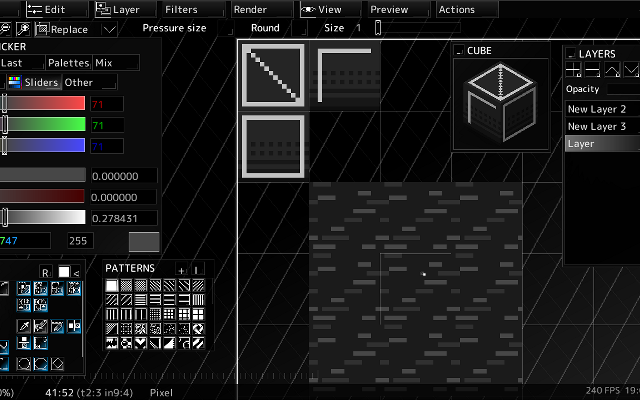
voidspriteopen-source pixel art editor with extensive format support and features useful for game developmentvoid◆sprite is an actively developed cross-platform, open-source pixelart editor.
Has features useful for game development, such as split sessions (multiple files on one canvas) and previews of spritesheet animations, tilesets or 3D cubes.
Other unique features include: layer variants, on-canvas comments, custom patterns, templates and real-time LAN collaboration.
Supports many image formats, including some specific to other editors like Aseprite and GraphicsGale.
Most common color palette formats are supported too, and can be used in a separate indexed editor mode.Features:animationlayerspalette manipulationsprite sheet exportonlinetilemaps2dtilescross platformsprite editorimage conversionccollaboration24 10 pieces updated 12 days ago -
 5 screenshots
 Simple Pixel Art EditorFree in-browser pixel art editor: sprites, animation, auto-tiling tilesets and tilemaps, exports for Godot and Tiled.Free9Pixel Art
Simple Pixel Art EditorFree in-browser pixel art editor: sprites, animation, auto-tiling tilesets and tilemaps, exports for Godot and Tiled.
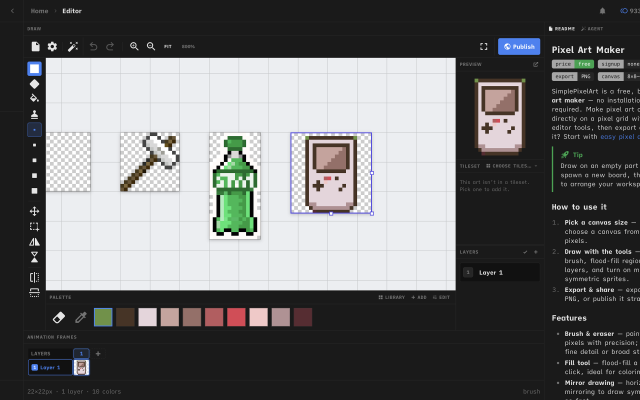
Simple Pixel Art Editor is a free pixel art editor that runs in the browser, with no install or account needed. It covers sprite drawing with layers, mirror drawing and selections, frame-by-frame animation with onion skin and frame tags, and exports to PNG, GIF and sprite sheets.
It also includes tools for game assets: a tileset editor that generates Wang-16 and blob-47 auto-tile terrains from a base tile and exports Godot 4 TileSet (.tres) and Tiled (.tsx) files, a tilemap painter with an isometric mode, a palette library and an image-to-pixel-art converter.
It suits beginners and hobbyists making sprites and tilesets for small 2D games. The source code is MIT-licensed.
Features:animationlayersonion skinningsprite sheet exportgif exportpng exportengine exporttilemap exporttilesisometricpalette manipulationimage conversioncustom brushes9 1 piece -
 3 screenshots
 GribbleCross-platform Pixel Editor with Cloud Storage and Community FeaturesFreemium5Pixel Art
GribbleCross-platform Pixel Editor with Cloud Storage and Community Features
The pixel art editor
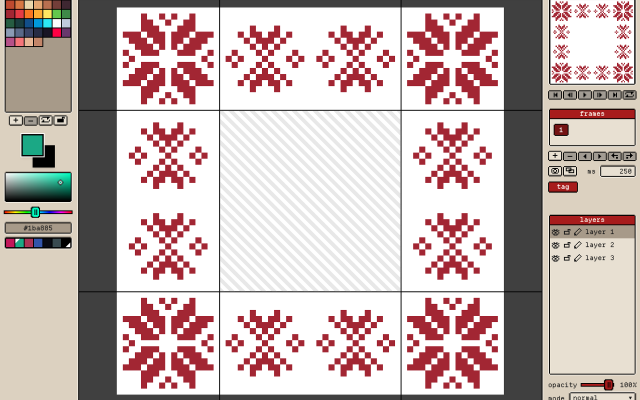
Gribble is a pixel art and animation editor that runs in the browser (gribble.app) or as an Android or iPhone app. One account syncs projects between all devices.
Website: gribble.app
Android: Play Store
iOS: App StoreLayers with opacity and 15 blend modes. Frame-by-frame animation with onion skin, frame tags and playback.
Every stroke is recorded, so a finished artwork can be exported as a timelapse.
The community features includes a global gallery with museum frames, a profile page, followers, likes and achievements.
Tools
Brushes, eraser, bucket, dither gradient, color picker, global color picker, ellipse tool, square tool, line tool, square select, lasso select, magic wand, dither, shading, outline, gradient, symmetry, smudge.
Features
Autosave, cloud-storage, timelapse, image/GIF imports, image/video/GIF/code/spritesheet exports, unique 9-patch mode and export, palette lock, alpha lock, themes, pixel perfect, 512x512 grids, palettes, gribble files (.grbl), artwork forking.
Features:animationlayerspalette manipulationsprite sheet exportonion skinning2dimage conversionexportonlinesprite editorditheringcross platformgif exportcolor reductionapple pencilpalettestimelapsejavascriptautosavepng exportsprite sheets5 3 pieces -
 3 screenshots
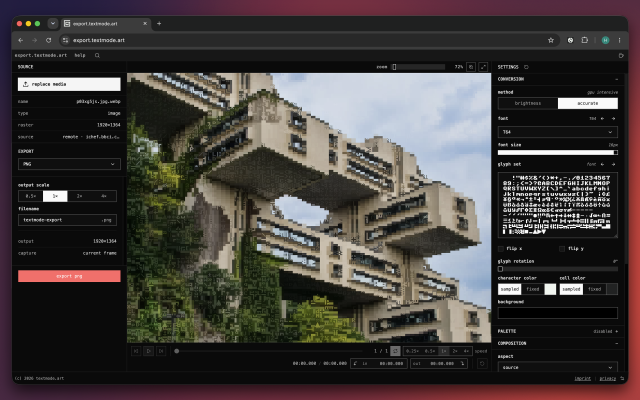
 export.textmode.artA browser converter for turning images, GIFs, and video into configurable textmode art.Free3Textmode
export.textmode.artA browser converter for turning images, GIFs, and video into configurable textmode art.export.textmode.art converts images, animated GIFs, video, and direct media links into textmode art in the browser. It provides glyph, font, palette, color, framing, and post-processing controls, plus frame-accurate playback and export ranges for animated sources. Everything is processed locally in your browser, and outputs include raster, vector, text, JSON, frame-sequence ZIP, GIF, MP4, and WebM downloads.3 0 pieces
-
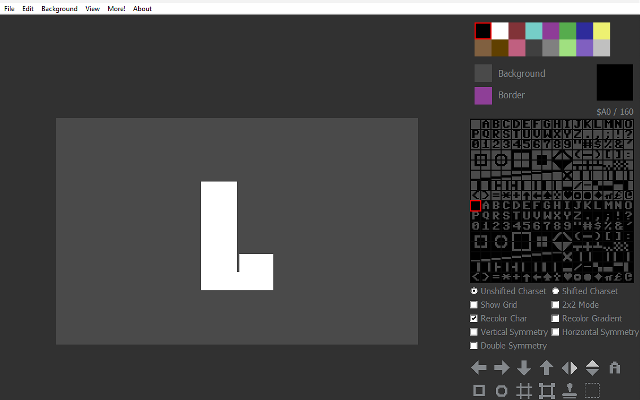
 Petscii ColaA free PETSCII editor for Commodore 64 art.
Petscii Cola is a free, basic PETSCII editor which can save raster images and Commodore 64-playable files, as well as convert raster images to PETSCII, multicolor or hires Commodore 64 images.
It also includes a choice of Commodore 64 palettes, and a gallery of PETSCII art.
1 5 pieces -
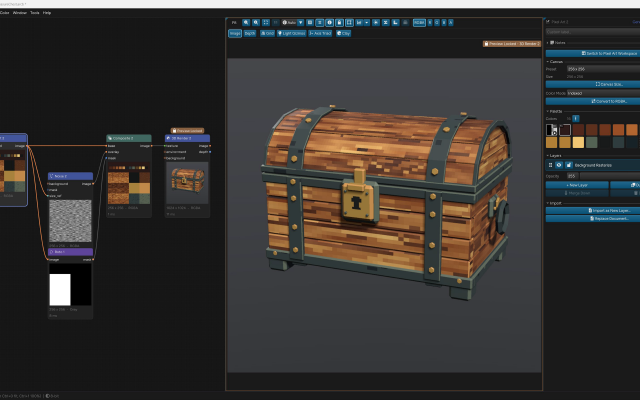
 ArcBrushThe node-based image editor.Freemium Free for personal use; one-time $49 commercial license Other Low-Spec EditorsPalette ToolsProcedural GeneratorsConverters & Scalers3D ToolsUtilities ActiveArcBrush is a node-based image editor for Windows, macOS and Linux. Images are built as a graph of nodes, so every step stays editable.
Its Pixel Art node is a sprite, icon and tile editor inside that graph. It has layers, Pixel-Perfect tools, symmetry axes, seamless wrapping, Marquee, Lasso and Magic Wand selections, RGBA or Indexed canvases whose palette round-trips with Swatches, and a shading ink along palette ramps.
Other nodes can recolor, pack into atlases and batch export the result. Export Data writes CSV, JSON or text sprite tables.
It also has nodes for texture and material work, photo editing and compositing. It is free for personal use; commercial use needs a one-time Pro license.Features:layerspalette manipulationsprite sheet export2dcustom brushesimage conversionexporttilemapssprite editorcross platformeffectstexture paintingditheringnormal mapsbatch processing3dcolor replacementrenderingcolor reductionpng exportsprite sheetsprocedural1 0 pieces -
 3 screenshots
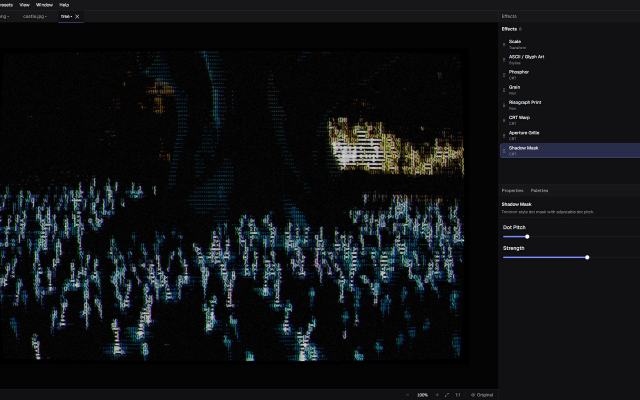
 DitherMaster StudioDithering, CRT, VHS, ASCII and glitch effects made easyPaid1Other Low-Spec
DitherMaster StudioDithering, CRT, VHS, ASCII and glitch effects made easyDitherMaster Studio makes dithering, CRT, VHS, ASCII and glitch effects easy to experiment with. Stack effects, tweak the settings, and save combinations as presets. No complicated workflow required.
LOSPEC palettes can be directly imported as palettes into the App!Features:palette manipulationimage conversioncross platformimage editingimage processorcolor reductionascii1 0 pieces -
 PlaysciiAn open source ASCII art, animation and game-making tool.
Playscii edits and animates ASCII art with arbitrary character sets, converts images to text art, and has a mode for building simple games.
1 0 pieces -
 4 screenshots
 AltusPixelPixel art editor, including animation, rigging, and palettes, and GameMaker projects...Paid0Pixel Art
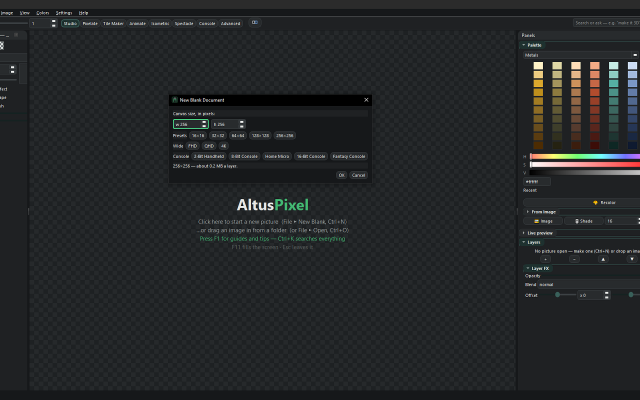
AltusPixelPixel art editor, including animation, rigging, and palettes, and GameMaker projects...Paid $7.99 USD; one price, no DLC, updates included Pixel Art EditorsAnimation ToolsTile & Map EditorsPalette ToolsFont & Charset ToolsConverters & Scalers ActiveAltusPixel is a pixel art editor for game developers, sold on Steam for Windows and Linux. It is a single offline desktop application with no account.
Engine Export: complete GameMaker project exports (sprite, tileset and autotiles/room), a Godot TileSet and map scene, a Tiled map, Unity sprite metadata, and .ase filess.
Drawing: layers that can be added, reordered, hidden and recolored one at a time; lines that snap to isometric slopes and isometric scenes built block by block; fills with a material such as brick, stone, sand, grass, leaves, wood or water instead of a flat color; text in bundled pixel fonts with a live preview; a Bend tool that curves a straight strip.
Animation: frame-by-frame animation with onion skin and in-app playback; a character can be rigged on the canvas by placing joints, and several rigged characters can stand on one stage and run together; export to GIF, animated WebP, APNG and sprite sheets.
Tiles: tilemap layers where editing one tile updates every placed copy, and autotile set generation.
Color: thirty-six bundled palettes, a palette library, and template palettes pasted straight in.
Pipeline: recorded macros that run across a whole folder; an atlas packer with JSON metadata and native Godot .tres output; automatic re-export on save into a game's asset folder; in-file snapshots and a session timelapse recorder; PNG, integer-scaled PNG and sprite-sheet export.
Also developed: photos can be turned into a printable cross-stitch pattern at real size. The application contains no generative AI features.Features:animationlayerspalette manipulationonion skinningsprite sheet exporttilemapstilesimage conversiontexture paintingisometricexporttilemap exporttimelapse0 0 pieces -
 0 screenshotsCrosyBrowser-based cross-stitch chart creation, editing and progress tracking.Freemium0Pixel Art
CrosyBrowser-based cross-stitch chart creation, editing and progress tracking.Freemium 30 credits/pattern unlock; credit packs and optional Pro. Pixel Art EditorsConverters & Scalers ActiveCrosy is a browser-based editor for cross-stitch charts. It converts a photo to a limited-color stitch grid, or starts from a blank design. Users can adjust chart dimensions and thread colors, edit individual stitches and backstitch, and mark stitching progress. Projects save on the current device, with optional account cloud sync within plan limits. Preview, standard editing and progress tracking are free. A 30-credit pattern unlock enables chart and project downloads in PDF, image, SVG and exchange formats. Credit packs and optional Pro subscriptions are available. Crosy uses image conversion and direct grid editing; it is not an AI image generator.Features:image conversionpalette manipulationgrid editingcross stitchbackstitchprogress trackingpdf export0 0 pieces
-
 DivoomThe official app for Divoom products, allowing you to create and import pixel art to display on Divoom devices.
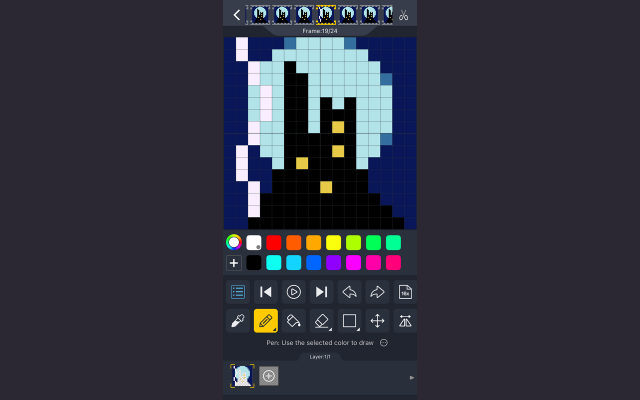
Divoom is a pixel art editor for Android and iOS devices, letting you create and import pixel art for display on Divoom devices such as the Ditoo speaker or the Pixoo picture frame.
It can be used without these devices just as a portable pixel art program and features the ability to import and resize images, as well as layers and animations.
There is also a text display function with many animated effects and palettes, as well as some audio features such as a keyboard and simple DJ mixer.
Divoom also features a pixel art gallery and community, allowing you to display images from community members on your devices and interact with pixel artists across the globe.
0 0 pieces -
 4 screenshots
 FileToVoxConverts meshes, point clouds, images and heightmaps into voxel models.Free0Voxel Art
FileToVoxConverts meshes, point clouds, images and heightmaps into voxel models.
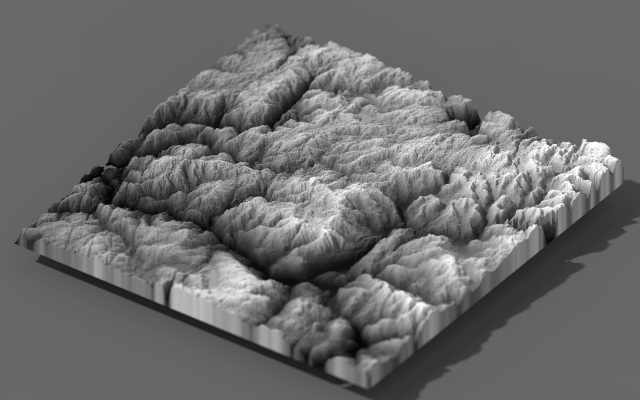
FileToVox converts things that are not voxel models into voxel models: meshes, point clouds, heightmaps, images and Minecraft schematics all become MagicaVoxel files. It runs from the command line, which makes it easy to put in a pipeline.
0 0 pieces -
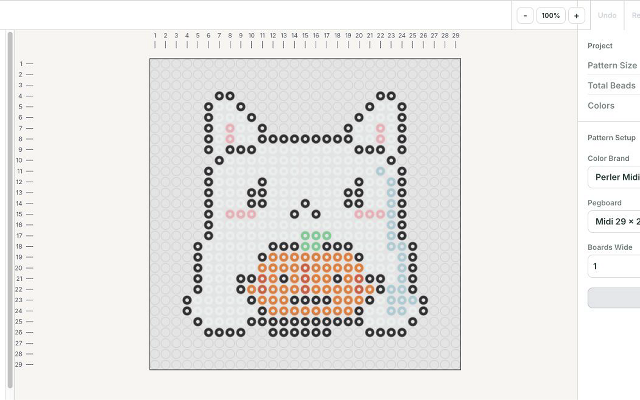
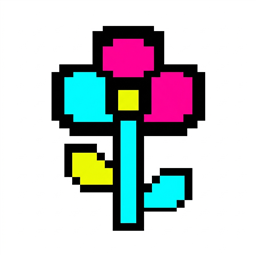 Fuse Bead PatternsA browser editor that turns images into printable fuse bead patterns.Fuse Bead Patterns is a browser-based editor for planning fuse bead projects. It converts images into a bead grid, maps colors to supported bead palettes, and lets users paint, fill, erase and replace colors. Patterns can be exported as printable PDF charts, grid images, SVG or spreadsheets. Projects can be saved to a local file and reopened. Image conversion runs in the browser without an account. The editing interface is in English. Physical bead colors and pegboard fit should be checked before making a project.0 0 pieces
-
 0 screenshotsMyBeadPattern Pixel Art ConverterA free browser-based image-to-pixel-art converter with editing and printable grids.Free0Pixel Art
MyBeadPattern Pixel Art ConverterA free browser-based image-to-pixel-art converter with editing and printable grids.MyBeadPattern Pixel Art Converter turns an image into a pixel-art grid in the browser. Users can adjust the grid and colors, edit individual pixels, and export a PNG or printable PDF chart with coordinates and a color list. Source images are processed locally on the device. The converter is free to use and does not require an account. It uses image-processing algorithms rather than a generative AI model.0 0 pieces
-
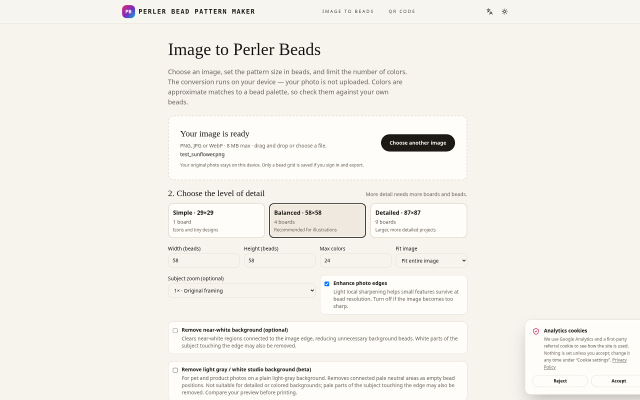
 Perler Bead MakerWeb tool that converts an image into a fuse-bead (Perler/Hama) grid preview.Web tool that converts an image into a fuse-bead (Perler/Hama) grid preview. Input formats are JPG, PNG and WebP up to 8 MB. Grid presets are 29×29, 58×58 and 87×87. It has an adjustable color limit, optional edge enhancement, and near-white background removal (beta). It uses a 103-color approximate community bead palette. Preview modes are bead and pixel. Processing happens in the browser. The free export is a watermarked PNG preview; no full chart or PDF export.0 0 pieces
-
 4 screenshots
 Pico Image ToolSmall image conversion, resizing, color reduction, palette conversion tool for retro game development.Free0Pixel Art
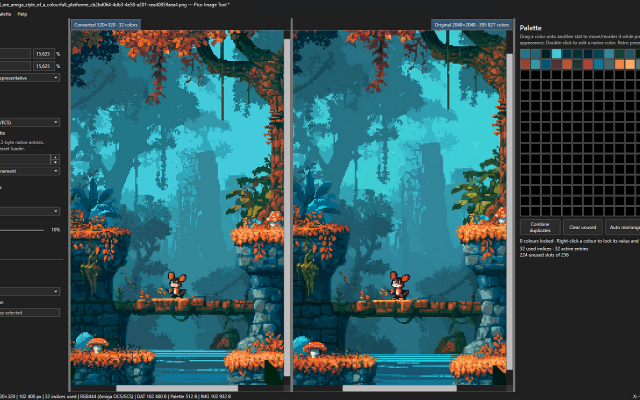
Pico Image ToolSmall image conversion, resizing, color reduction, palette conversion tool for retro game development.
PicoImageTool is a lightweight, portable application designed for preparing graphics for retro computers, embedded systems, and other hardware with limited display capabilities.
The application provides tools for image resizing, color quantization, palette management, and dithering, allowing modern images to be converted into formats suitable for low-color and indexed graphics systems.
PicoImageTool was originally developed in late 2025 as a small internal utility for Raspberry Pi Pico (hence the name) projects using VGA output.
The initial purpose was to convert PNG images into raw indexed graphics data while maintaining a separate, unified palette.
What began as a simple hand written project-specific tool has since evolved into a more versatile image conversion utility, with an improved interface, additional processing algorithms, and support for retro image formats. Currently its mostly vibe coded using Codex.
It's completely free and requires no installation.
Requirements: .NET 10 Desktop Runtime x64
Features:palette manipulationimage conversionditheringpng exportretro constraintscolor replacementcolor reduction0 0 pieces -
 12 screenshots
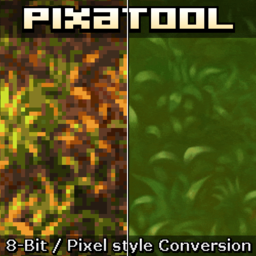 PixaToolTurns images, sprites and video into pixel art with a stack of retro filters.Paid0Pixel Art
PixaToolTurns images, sprites and video into pixel art with a stack of retro filters.
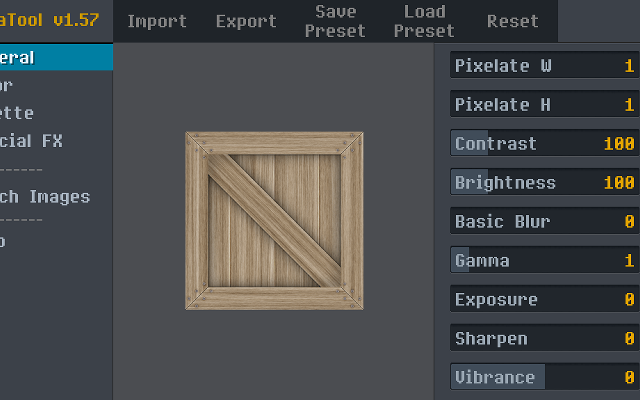
PixaTool converts images, sprite sheets and video into pixel art, with control over the output resolution, the palette, dithering, outlines and CRT-style effects. It works in batches and from the command line, which makes it useful for putting a whole folder of art through the same treatment.
0 0 pieces -
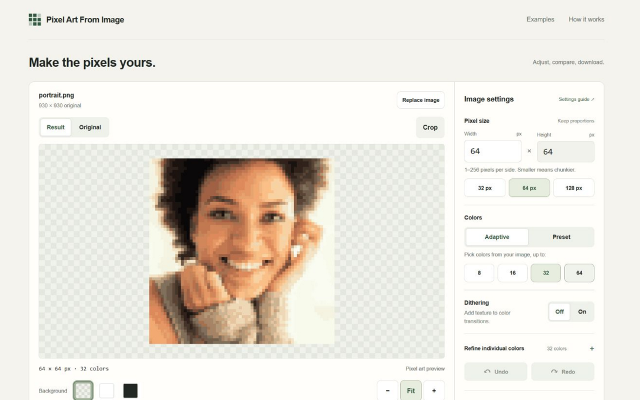
 Pixel Art From ImageA browser-based image converter with palette reduction and PNG export.Pixel Art From Image is a free browser-based tool for converting existing images into low-resolution, palette-limited images. It accepts PNG, JPEG, and static WebP files up to 20 MiB. Conversion runs locally in the browser using image-processing algorithms, without an AI model or an account requirement.
Users can adjust the output size, reduce images to 8, 16, 32, or 64 colors, choose fixed palettes, enable dithering, and crop the source image. Manual color replacement supports undo and redo. Results can be exported as PNG at 1×, 2×, 4×, or 8× scale.
0 0 pieces -
 0 screenshotsPixelArtSuiteFree browser-based pixel art tools: convert images, edit on layers, export bead-ready patterns with exact color counts.Free0Pixel Art
PixelArtSuiteFree browser-based pixel art tools: convert images, edit on layers, export bead-ready patterns with exact color counts.Free pixel art tools in your browser — convert images, edit on layers, export bead and Minecraft patterns. No sign-up.Features:layerspalette manipulationimage conversionditheringcolor reductionbead patternpng exportprintable grids0 0 pieces
-
 12 screenshots
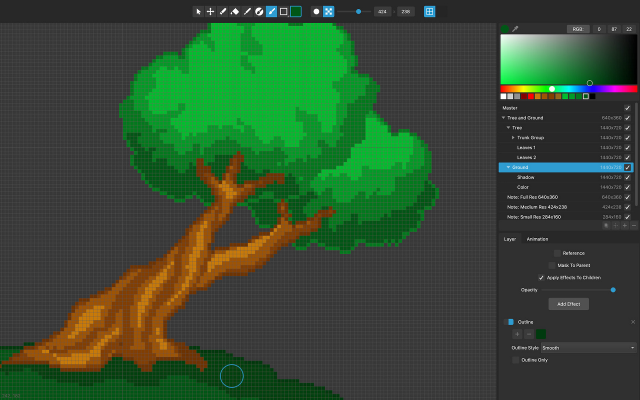
 PixelmashPixelizes high-resolution artwork non-destructively, with the settings still live.Paid0Pixel Art
PixelmashPixelizes high-resolution artwork non-destructively, with the settings still live.
Pixelmash takes high-resolution artwork - painted, photographed or rendered - and pixelizes it through a stack of layers whose settings stay editable. Change the output resolution or the palette at any point and everything downstream re-renders, which makes it a way to try pixel sizes rather than commit to one.
0 0 pieces -
0 screenshotsSprite Sheet BuilderFree browser tool that packs, splits and converts sprite sheets for 2D game development.Free0Pixel Art
 Sprite Sheet BuilderFree browser tool that packs, splits and converts sprite sheets for 2D game development.Sprite Sheet Builder is a set of free, browser-only sprite tools for 2D game developers. Pack PNG, JPG, WebP, GIF or HEIC frames into one transparent sheet with grid or auto-pack layout and adjustable padding and spacing, then preview the loop at 1-30 FPS before exporting. Split an existing sheet by grid or by transparent-region detection and download the frames as individual transparent PNGs. Convert animated GIFs into sprite sheets and back. Exports are engine-ready: TexturePacker-style JSON for Phaser and Unity, a Godot .tres SpriteFrames resource, and Sparrow XML for Flixel-family engines. The FNF Sprite Sheet and XML Generator groups animations and exports Sparrow XML plus a Psych Engine character JSON in one ZIP, and can re-import an existing atlas. Files never leave the browser - decoding, packing and export all run on the visitor's device, with no account and no watermark. Engine guides for Unity, Godot and Phaser are in the engine section of the site.0 0 pieces
There are no more software for your current criteria.
There are no software for your current criteria.
Thanks for your feedback! If you want to say more, please post a Suggestion or Bug Report!
our next patreon goal: $301 / $500