Filtering Options:
12 software:
-
 4 screenshots
 voidspriteopen-source pixel art editor with extensive format support and features useful for game developmentFree24Pixel Art
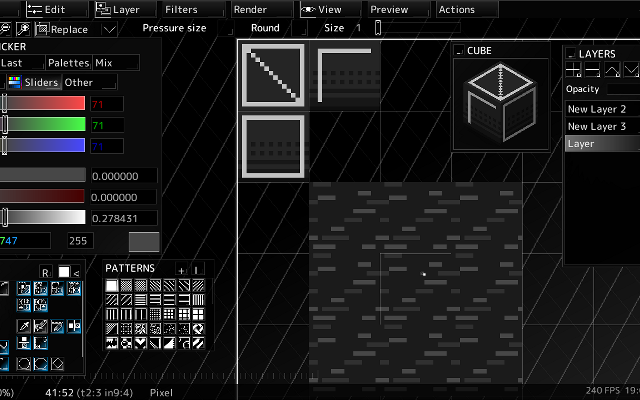
voidspriteopen-source pixel art editor with extensive format support and features useful for game developmentvoid◆sprite is an actively developed cross-platform, open-source pixelart editor.
voidspriteopen-source pixel art editor with extensive format support and features useful for game developmentFree24Pixel Art
voidspriteopen-source pixel art editor with extensive format support and features useful for game developmentvoid◆sprite is an actively developed cross-platform, open-source pixelart editor.
Has features useful for game development, such as split sessions (multiple files on one canvas) and previews of spritesheet animations, tilesets or 3D cubes.
Other unique features include: layer variants, on-canvas comments, custom patterns, templates and real-time LAN collaboration.
Supports many image formats, including some specific to other editors like Aseprite and GraphicsGale.
Most common color palette formats are supported too, and can be used in a separate indexed editor mode.Features:animationlayerspalette manipulationsprite sheet exportonlinetilemaps2dtilescross platformsprite editorimage conversionccollaboration24 6 pieces updated 23 days ago -
 6 screenshotsPro Motion NGA professional pixel art and animation tool descended from Deluxe Paint.Paid1Pixel Art
 Pro Motion NGA professional pixel art and animation tool descended from Deluxe Paint.
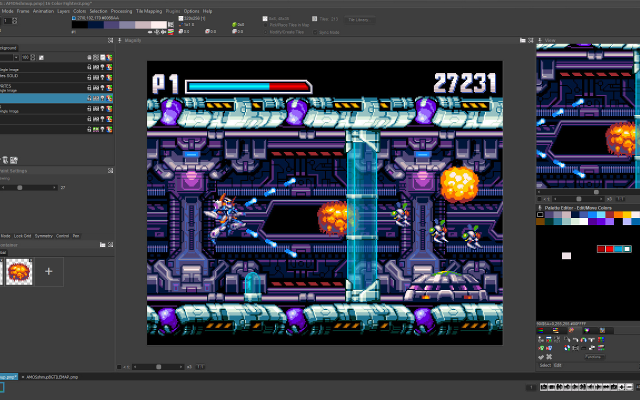
Pro Motion NG is inspired by Amiga Deluxe Paint and used in commercial game studios. It has a detached-window interface, deep palette and tile tools, and an animation workflow tuned for sprite production.
1 3 pieces -
 12 screenshots
 Crocotile 3DBuild 3D scenes tile by tile from pixel art tilesets.Paid1Other Low-Spec
Crocotile 3DBuild 3D scenes tile by tile from pixel art tilesets.
Crocotile 3DBuild 3D scenes tile by tile from pixel art tilesets.Paid1Other Low-Spec
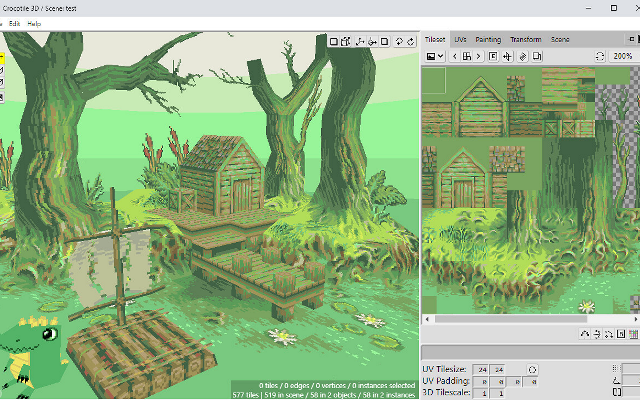
Crocotile 3DBuild 3D scenes tile by tile from pixel art tilesets.Crocotile 3D places pixel art tiles in 3D space to build low-poly scenes and models, exporting to common formats.
1 1 piece -
 2 screenshots
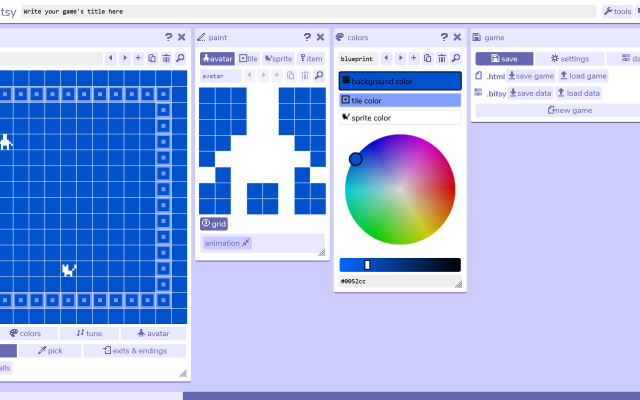
 BitsyA tiny browser editor for little worlds of 8x8 tiles and short conversations.Free1Programming
BitsyA tiny browser editor for little worlds of 8x8 tiles and short conversations.
BitsyA tiny browser editor for little worlds of 8x8 tiles and short conversations.Free1Programming
BitsyA tiny browser editor for little worlds of 8x8 tiles and short conversations.Bitsy is a tiny editor for making small worlds: a few rooms of 8x8 tiles, an avatar that walks around them, and short conversations with the things in them. The limits are the point - there is no scripting to speak of and two colours at a time - and a finished game is a single HTML file.
1 0 pieces -
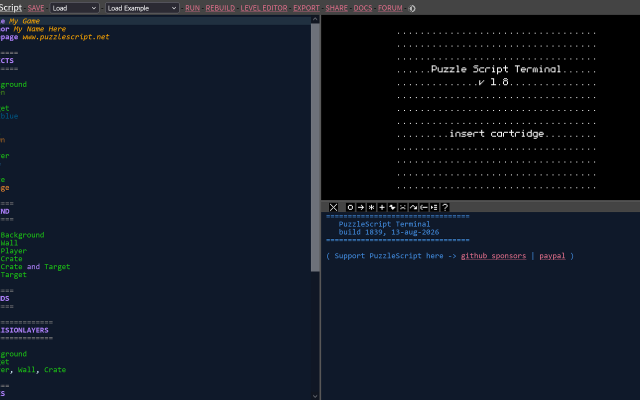
PuzzleScriptWrites a whole puzzle game as a short text file in the browser.
PuzzleScript is a browser engine where an entire puzzle game is a short text file: a legend of characters, a set of rewrite rules, and the levels drawn as ASCII. Games run and share as a single link, which has made it the usual home for small tile-based puzzle experiments.
1 0 pieces -
 Pyxel EditA pixel art editor built around tiles and tilesets.
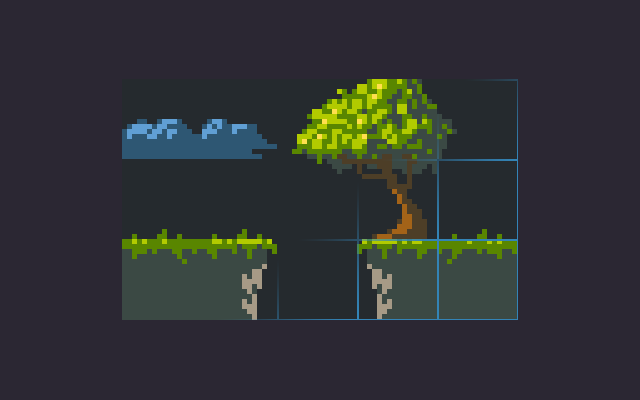
Pyxel Edit is a smaller pixel art program focused on tile editing: paint tiles once and every placed copy updates, then export the tileset and tilemap for your engine. It also handles simple animation.
1 0 pieces -
 6 screenshots
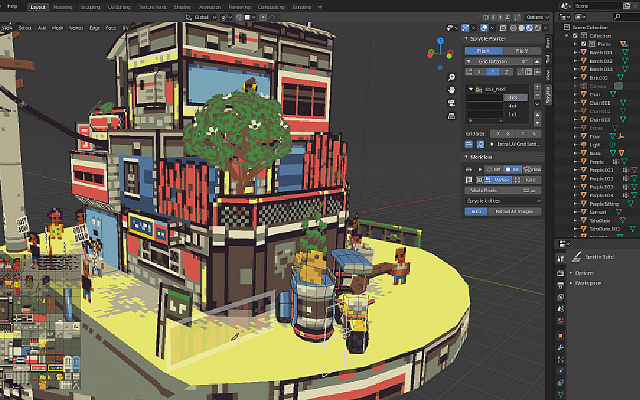
 SprytileBuilds tile-textured low-poly scenes inside Blender by painting with a tilesheet.Free1Low-Poly
SprytileBuilds tile-textured low-poly scenes inside Blender by painting with a tilesheet.
SprytileBuilds tile-textured low-poly scenes inside Blender by painting with a tilesheet.Free1Low-Poly
SprytileBuilds tile-textured low-poly scenes inside Blender by painting with a tilesheet.Sprytile is a Blender add-on for building low-poly scenes by painting with a tilesheet: pick a tile, draw on a grid in the 3D view, and it makes the geometry and maps the texture as you go. It suits the tile-textured look of early 3D games.
1 0 pieces -
 5 screenshots
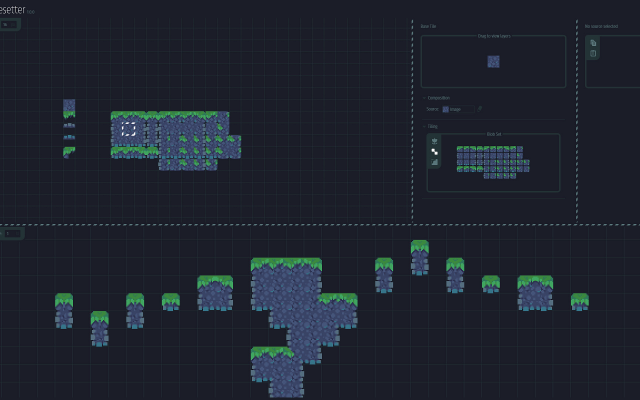
 TilesetterTurns a handful of hand-drawn tiles into a complete auto-tiling tileset.Paid1Pixel Art
TilesetterTurns a handful of hand-drawn tiles into a complete auto-tiling tileset.
TilesetterTurns a handful of hand-drawn tiles into a complete auto-tiling tileset.Paid1Pixel Art
TilesetterTurns a handful of hand-drawn tiles into a complete auto-tiling tileset.Tilesetter takes a handful of hand-drawn tiles and works out the rest: corners, edges and transitions are generated into a complete auto-tiling tileset, which it can then export along with a map. It is aimed at the part of tile work that is repetitive rather than creative.
1 0 pieces -
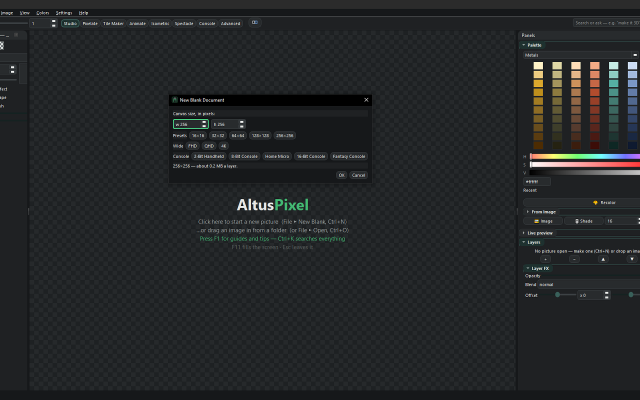 4 screenshots
 AltusPixelPixel art editor, including animation, rigging, and palettes, and GameMaker projects...Paid0Pixel Art
AltusPixelPixel art editor, including animation, rigging, and palettes, and GameMaker projects...Paid $7.99 USD; one price, no DLC, updates included Pixel Art EditorsAnimation ToolsTile & Map EditorsPalette ToolsFont & Charset ToolsConverters & Scalers ActiveAltusPixel is a pixel art editor for game developers, sold on Steam for Windows and Linux. It is a single offline desktop application with no account.
AltusPixelPixel art editor, including animation, rigging, and palettes, and GameMaker projects...Paid0Pixel Art
AltusPixelPixel art editor, including animation, rigging, and palettes, and GameMaker projects...Paid $7.99 USD; one price, no DLC, updates included Pixel Art EditorsAnimation ToolsTile & Map EditorsPalette ToolsFont & Charset ToolsConverters & Scalers ActiveAltusPixel is a pixel art editor for game developers, sold on Steam for Windows and Linux. It is a single offline desktop application with no account.
Engine Export: complete GameMaker project exports (sprite, tileset and autotiles/room), a Godot TileSet and map scene, a Tiled map, Unity sprite metadata, and .ase filess.
Drawing: layers that can be added, reordered, hidden and recolored one at a time; lines that snap to isometric slopes and isometric scenes built block by block; fills with a material such as brick, stone, sand, grass, leaves, wood or water instead of a flat color; text in bundled pixel fonts with a live preview; a Bend tool that curves a straight strip.
Animation: frame-by-frame animation with onion skin and in-app playback; a character can be rigged on the canvas by placing joints, and several rigged characters can stand on one stage and run together; export to GIF, animated WebP, APNG and sprite sheets.
Tiles: tilemap layers where editing one tile updates every placed copy, and autotile set generation.
Color: thirty-six bundled palettes, a palette library, and template palettes pasted straight in.
Pipeline: recorded macros that run across a whole folder; an atlas packer with JSON metadata and native Godot .tres output; automatic re-export on save into a game's asset folder; in-file snapshots and a session timelapse recorder; PNG, integer-scaled PNG and sprite-sheet export.
Also developed: photos can be turned into a printable cross-stitch pattern at real size. The application contains no generative AI features.Features:animationlayerspalette manipulationonion skinningsprite sheet exporttilemapstilesimage conversiontexture paintingisometricexporttilemap exporttimelapse0 0 pieces -
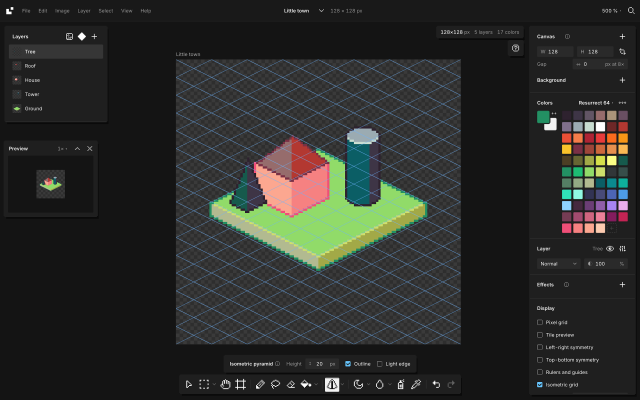
 BaipixA free, open source pixel art editor in the browser, with layers, palettes, isometric tools and clean SVG export.Baipix is a pixel art editor that runs in the browser, with no account and no install. Drawings are saved in the browser and can be downloaded as .baipix files.
It covers the usual pixel art tools (pixel-perfect pencil with a stabilizer, shapes, paint bucket, gradient with dithering, lasso and magic wand selections, symmetry, a tile preview for seamless textures) along with layers, groups, blend modes, layer effects (outline, drop shadow, glow) and reusable components whose copies follow their master.
Palettes belong to each file: classic presets, the colors used in the drawing, palettes the user keeps, or .hex and .gpl files. Shade and lighten step along the palette's ramps.
For isometric work it has a 2:1 grid that tools snap to, 2:1 lines, box, cylinder and pyramid tools shaded from the palette, extrusion of flat shapes into volumes, shapes drawn on walls or on the ground, staggered tile previews and images laid onto a face. A file can hold several boards side by side.
Exports: PNG at 1× to 32×, SVG with one path per color and the layers kept as groups, .aseprite files, and tilesets for game engines (PNG sheet with a Tiled tileset and map).
The interface is in English and French.
0 0 pieces -
 0 screenshotsNostalgic Assets Workshop: NAWGraphics editor for NES-compatible assetsPay What You Want0Pixel Art
Nostalgic Assets Workshop: NAWGraphics editor for NES-compatible assetsAn editor built to be fully compliant with the NES. Workflow is based around tilemaps and a 4-color palettes. Capable of exporting images as functional NES-roms.0 0 pieces
0 screenshotsNostalgic Assets Workshop: NAWGraphics editor for NES-compatible assetsPay What You Want0Pixel Art
Nostalgic Assets Workshop: NAWGraphics editor for NES-compatible assetsAn editor built to be fully compliant with the NES. Workflow is based around tilemaps and a 4-color palettes. Capable of exporting images as functional NES-roms.0 0 pieces -
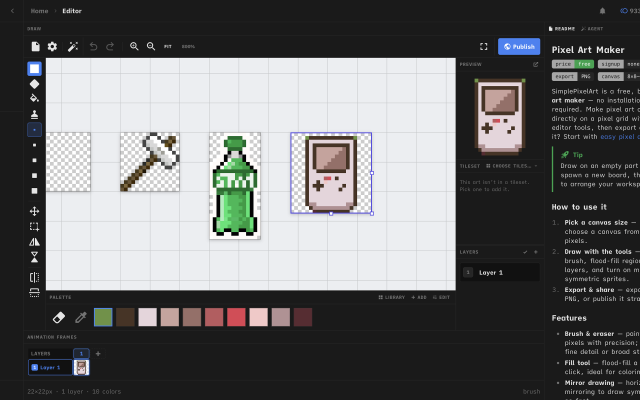
 Simple Pixel Art EditorFree, browser-based pixel art editor — draw sprites, build tilesets with auto-tiling terrains, paint tilemaps, animate fDraw sprites, build tilesets, paint tilemaps, and export game-ready assets for Godot, Unity, or Phaser — or just convert a photo and remix community templates. All free, in your browser.0 0 pieces
There are no more software for your current criteria.
There are no software for your current criteria.
AD| join Patreon to remove ads!
Thanks for your feedback! If you want to say more, please post a Suggestion or Bug Report!
our next patreon goal: $263 / $500