Filtering Options:
10 software:
-
 4 screenshots
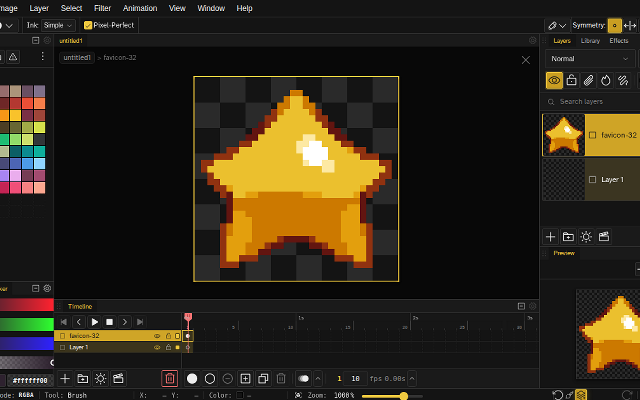
 NovaboardA web-based pixel art editor that also runs on the desktop.Free5Pixel Art
NovaboardA web-based pixel art editor that also runs on the desktop.
Novaboard runs in the browser and as a desktop app, with layers, animation and effects.
Features:animationlayerspalette manipulation3d model exportonion skinningonlinesprite sheet export2dcustom brusheseffectssprite editorcross platform5 5 pieces updated 10 days ago -
 11 screenshots
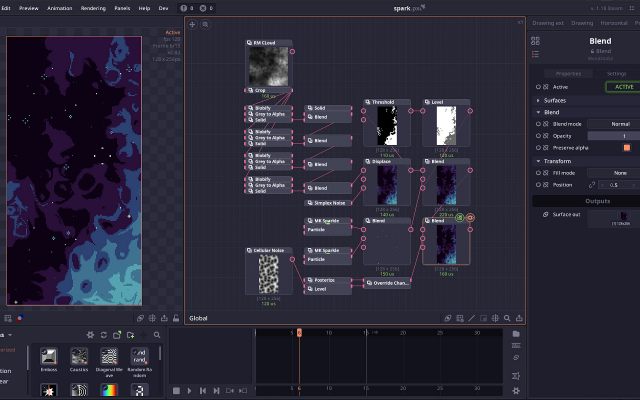
 Pixel ComposerA node-based tool for procedural pixel art and effects.Paid4Pixel Art
Pixel ComposerA node-based tool for procedural pixel art and effects.Paid $14.99, free trial Open Source Pixel Art Procedural GeneratorsEffect & Particle GeneratorsAnimation Tools Active
Pixel Composer builds effects, animations and generated art from node graphs, so a change to one input flows through the whole result.
4 3 pieces -
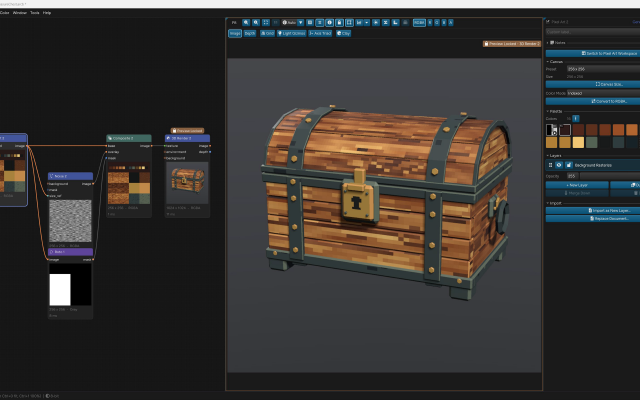
 ArcBrushThe node-based image editor.Freemium Free for personal use; one-time $49 commercial license Other Low-Spec EditorsPalette ToolsProcedural GeneratorsConverters & Scalers3D ToolsUtilities ActiveArcBrush is a node-based image editor for Windows, macOS and Linux. Images are built as a graph of nodes, so every step stays editable.
Its Pixel Art node is a sprite, icon and tile editor inside that graph. It has layers, Pixel-Perfect tools, symmetry axes, seamless wrapping, Marquee, Lasso and Magic Wand selections, RGBA or Indexed canvases whose palette round-trips with Swatches, and a shading ink along palette ramps.
Other nodes can recolor, pack into atlases and batch export the result. Export Data writes CSV, JSON or text sprite tables.
It also has nodes for texture and material work, photo editing and compositing. It is free for personal use; commercial use needs a one-time Pro license.Features:layerspalette manipulationsprite sheet export2dcustom brushesimage conversionexporttilemapssprite editorcross platformeffectstexture paintingditheringnormal mapsbatch processing3dcolor replacementrenderingcolor reductionpng exportsprite sheetsprocedural1 0 pieces -
 9 screenshots
 BaipixA free, open source pixel art editor in the browser, with layers, palettes, isometric tools and clean SVG export.Free1Pixel Art
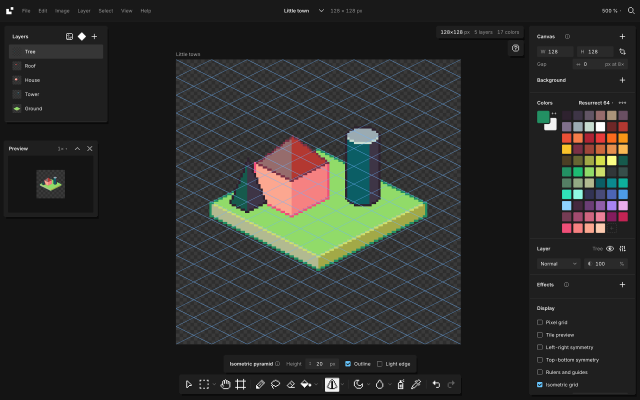
BaipixA free, open source pixel art editor in the browser, with layers, palettes, isometric tools and clean SVG export.Baipix is a pixel art editor that runs in the browser, with no account and no install. It is free and its source code is public under the MIT license. Drawings are saved in the browser, a deleted one waits in the trash, and files can be downloaded as .baipix. The interface is in English, French, Ukrainian, Spanish, Japanese, Italian, Korean and Brazilian Portuguese.
It covers the usual pixel art tools (pixel-perfect pencil with a stabilizer, shapes, paint bucket, gradient with dithering, lasso and magic wand selections, symmetry, a tile preview for seamless textures) along with layers, groups, blend modes, layer effects (outline, drop shadow, glow) and reusable components: a sprite drawn once can be placed on any board, and its copies follow it.
Animation: a timeline under the canvas, onion skin, a duration for each frame, and a preview that plays the loop. Animations export as GIF, PNG sequence, sprite sheet or .aseprite.
Palettes belong to each file: classic presets (many of them from Lospec, like Sweetie 16, Endesga 32, Resurrect 64 or Lospec500), the colors used in the drawing, palettes the user keeps, or .hex and .gpl files. Shade and lighten step along the palette's ramps, and Remap moves a whole drawing onto another palette. A reference image can sit under the drawing to trace over, and the eyedropper picks its colors.
For isometric work it has a 2:1 grid that tools snap to, 2:1 lines, box, cylinder and pyramid tools shaded from the palette, extrusion of flat shapes into volumes, shapes drawn on walls or on the ground, staggered tile previews and images laid onto a face. A file can hold several boards side by side.
Opens .baipix, .aseprite and image files. Exports: PNG at 1× to 32×, SVG with one path per color and the layers kept as groups, .aseprite files, GIF and sprite sheets, tilesets for game engines (PNG sheet with a Tiled tileset and map), and the drawing as code (React, CSS, JSON or ASCII).
It suits game artists making sprites, animations, tiles and isometric scenes, designers who need pixel icons, and people trying pixel art without installing anything. It works best with a mouse or trackpad; tablet support is in progress.
Docs: baipix.app/docs
Features:layerseffectspalette manipulationditheringtilesisometricaseprite exporttilemap exportanimationanimation previewonion skinninggif exportsprite sheet exportsprite sheetaseprite1 0 pieces -
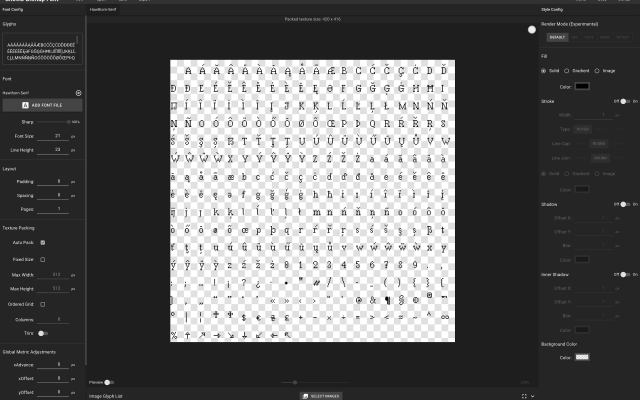
 SnowBamboo BMFTTF to PNG bitmap font converter.The software allows you to convert any TrueType font (TTF) into a PNG bitmap font sheet, along with JSON, FNT, or TXT files containing spacing and kerning data. The exported bitmap fonts are ready to use in most game engines.
You can adjust spacing, add special visual effects to your font, and preview the final bitmap font live in the app.
1 0 pieces -
 4 screenshots
 SpriteIlluminatorPaints normal maps onto sprites so 2D art can be lit dynamically.Paid1Pixel Art
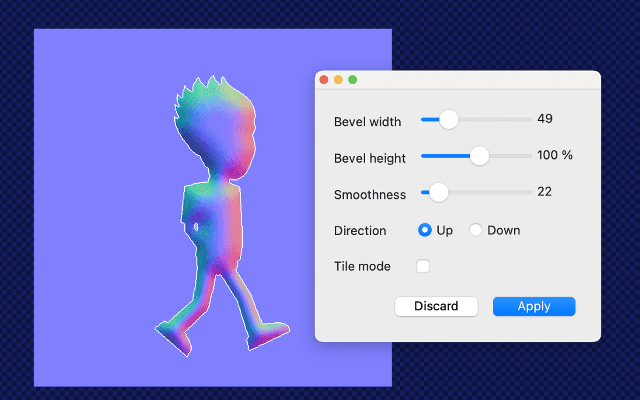
SpriteIlluminatorPaints normal maps onto sprites so 2D art can be lit dynamically.
SpriteIlluminator generates normal maps for 2D sprites, either algorithmically from the shape of the art or painted by hand with its own brushes, so a flat sprite reacts to moving lights in an engine. It also does specular and emissive maps, and previews the result under a light you can drag around.
1 0 pieces -
 12 screenshots
 Juice FXAdd squash, stretch, glow and other juice to sprites automatically.Paid0Pixel Art
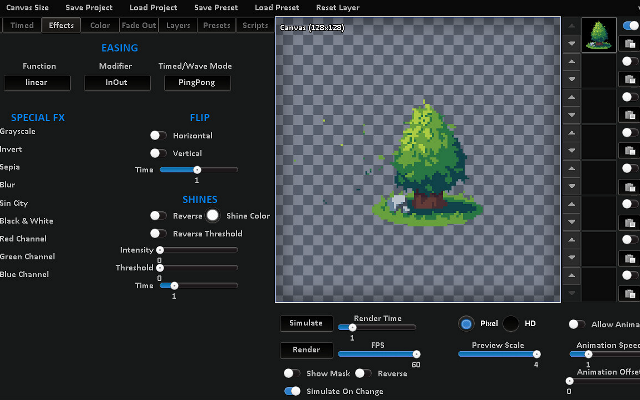
Juice FXAdd squash, stretch, glow and other juice to sprites automatically.
Juice FX takes a sprite and generates effects such as shaking, flashing, outlines, dissolves and bounces as animated sprite sheets.
0 1 piece -
 12 screenshots
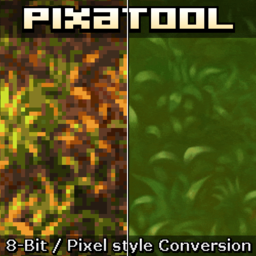 PixaToolTurns images, sprites and video into pixel art with a stack of retro filters.Paid0Pixel Art
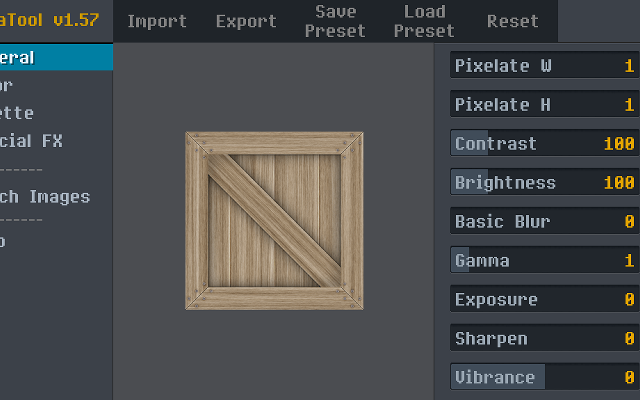
PixaToolTurns images, sprites and video into pixel art with a stack of retro filters.
PixaTool converts images, sprite sheets and video into pixel art, with control over the output resolution, the palette, dithering, outlines and CRT-style effects. It works in batches and from the command line, which makes it useful for putting a whole folder of art through the same treatment.
0 0 pieces -
 0 screenshotsPixel VFX StudioBrowser tool that generates 37 animated pixel art effects you can recolour and export as sprite sheets.Freemium0Pixel Art
Pixel VFX StudioBrowser tool that generates 37 animated pixel art effects you can recolour and export as sprite sheets.Pixel VFX Studio is a browser tool that draws animated pixel art effects with code. It includes 37 effects in ten groups: fire, explosions, impacts, magic, ice, lightning, water, nature, weather and pickups. Loops such as torches, portals and rain wrap without a seam. One-shots such as explosions and slashes start and end on an empty frame. Each effect uses a ramp of six colours, so it can be recoloured with a preset palette or with custom colours. Size, frame count, speed and random seed can be changed. Optional dithering and a dark outline are available. It exports a sprite sheet with JSON frame data or a GIF. The free version allows three exports a day at 1x and 2x scale. The paid Pro plan adds 4x and 8x scale, Godot 4 SpriteFrames files, single frame PNGs and category ZIPs. It is part of GameShipKit, a collection of browser tools for game developers.0 0 pieces
-
 5 screenshots
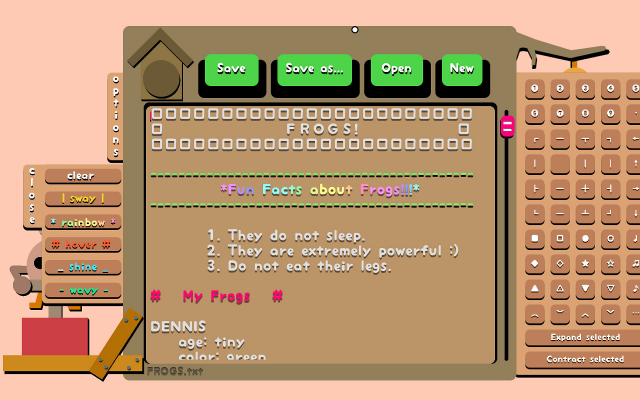
 TEXTREME 2A text editor that treats typing as painting, with effects on every keystroke.Paid0Textmode
TEXTREME 2A text editor that treats typing as painting, with effects on every keystroke.
TEXTREME 2 is a text editor that treats typing as a performance: every keystroke throws characters around, shakes the screen and makes a noise. It is a toy rather than a tool, and a reliable way to make a writing session look ridiculous.
0 0 pieces
There are no more software for your current criteria.
There are no software for your current criteria.
Thanks for your feedback! If you want to say more, please post a Suggestion or Bug Report!
our next patreon goal: $350 / $500