Filtering Options:
51 software:
-
 4 screenshots
 voidspriteopen-source pixel art editor with extensive format support and features useful for game developmentFree24Pixel Art
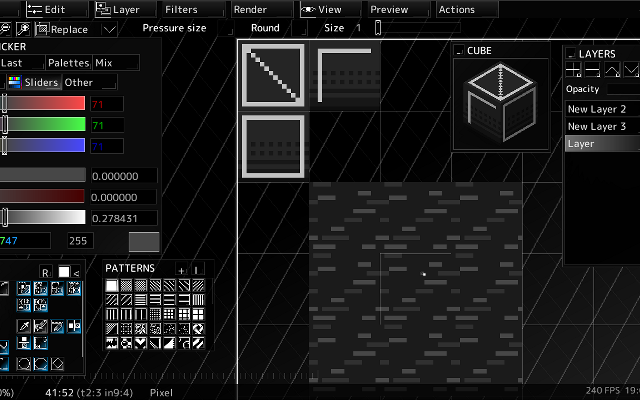
voidspriteopen-source pixel art editor with extensive format support and features useful for game developmentvoid◆sprite is an actively developed cross-platform, open-source pixelart editor.
Has features useful for game development, such as split sessions (multiple files on one canvas) and previews of spritesheet animations, tilesets or 3D cubes.
Other unique features include: layer variants, on-canvas comments, custom patterns, templates and real-time LAN collaboration.
Supports many image formats, including some specific to other editors like Aseprite and GraphicsGale.
Most common color palette formats are supported too, and can be used in a separate indexed editor mode.Features:animationlayerspalette manipulationsprite sheet exportonlinetilemaps2dtilescross platformsprite editorimage conversionccollaboration24 10 pieces updated 12 days ago -
 6 screenshots
 AsepriteThe most popular dedicated pixel art editor, with animation, tilemaps and a scripting API.Paid18Pixel Art
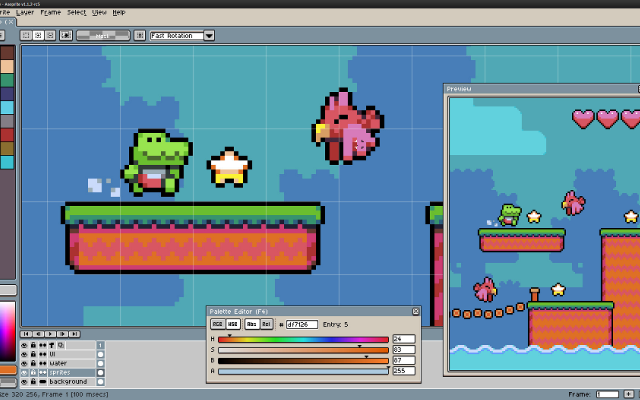
AsepriteThe most popular dedicated pixel art editor, with animation, tilemaps and a scripting API.
Aseprite is a pixel art editor built around sprite work: an indexed-color workflow, onion skinning and a timeline for animation, tilemap layers, custom brushes, and export straight to sprite sheets. Extensions and Lua scripts add anything it lacks. It is the editor most Lospec artists reach for first.
Features:layersanimationonion skinningtilemapscustom brushespalette manipulationscriptingsprite sheet export18 742 pieces -
 8 screenshots
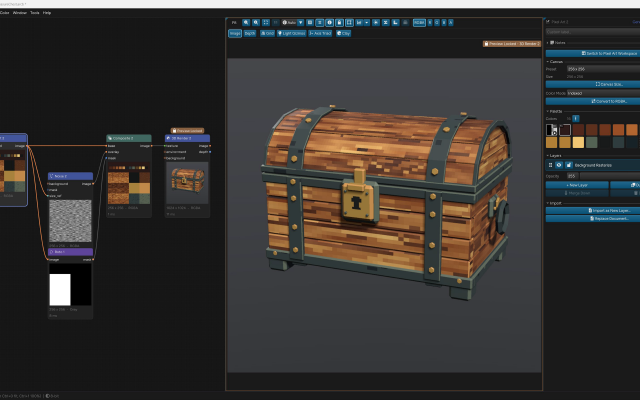
 PixiEditorA node-based open source editor with Lospec palette integration.Free14Pixel Art
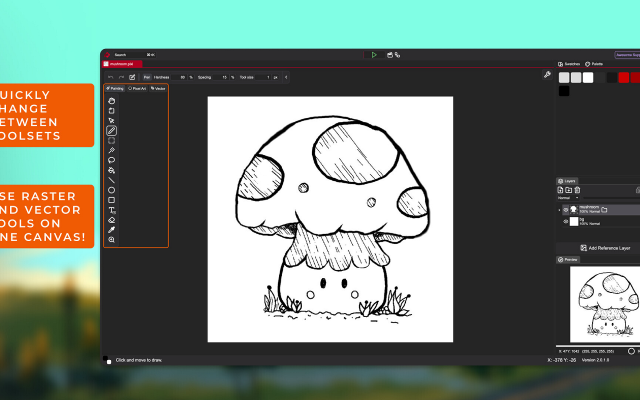
PixiEditorA node-based open source editor with Lospec palette integration.Free Open Source Pixel Art EditorsAnimation ToolsProcedural GeneratorsEffect & Particle GeneratorsLighting & Normal Map Tools ActivePixiEditor is a 2D graphics editor for creating and editing raster, vector, and procedural graphics. It supports pixel art, digital painting, vector shapes and paths, animation, and node-based image processing within the same document.
The editor uses a layer-based workflow combined with a node graph. Layers, effects, and other parts of a document can be represented as nodes and connected to create custom processing pipelines and procedural graphics.
Toolsets
PixiEditor includes several toolsets for different types of 2D work:
Pixel Art - tools designed for pixel-perfect drawing and editing.
Painting - brushes, shapes, and other raster painting tools.
Vector - vector shapes and paths.
These toolsets can be used together in the same document, allowing raster and vector content to be combined.
Animation
PixiEditor includes a timeline for creating frame-by-frame animations. Nodes can also be used to build procedural animations and animate custom effects.
Node Graph
Each document has an associated node graph used to define how its contents are generated and processed. Nodes can represent layers, effects, inputs, and other operations.
The node system can be used for non-destructive editing as well as procedural graphics and animations.Features:layerspalette list integrationpalette manipulationanimationonion skinningsprite sheet exportcustom brushestexture paintingextensions14 42 pieces -
 5 screenshots
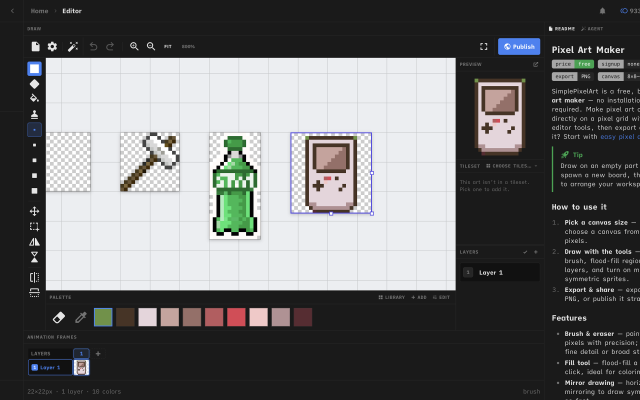
 Simple Pixel Art EditorFree in-browser pixel art editor: sprites, animation, auto-tiling tilesets and tilemaps, exports for Godot and Tiled.Free9Pixel Art
Simple Pixel Art EditorFree in-browser pixel art editor: sprites, animation, auto-tiling tilesets and tilemaps, exports for Godot and Tiled.
Simple Pixel Art Editor is a free pixel art editor that runs in the browser, with no install or account needed. It covers sprite drawing with layers, mirror drawing and selections, frame-by-frame animation with onion skin and frame tags, and exports to PNG, GIF and sprite sheets.
It also includes tools for game assets: a tileset editor that generates Wang-16 and blob-47 auto-tile terrains from a base tile and exports Godot 4 TileSet (.tres) and Tiled (.tsx) files, a tilemap painter with an isometric mode, a palette library and an image-to-pixel-art converter.
It suits beginners and hobbyists making sprites and tilesets for small 2D games. The source code is MIT-licensed.
Features:animationlayersonion skinningsprite sheet exportgif exportpng exportengine exporttilemap exporttilesisometricpalette manipulationimage conversioncustom brushes9 1 piece -
 4 screenshots
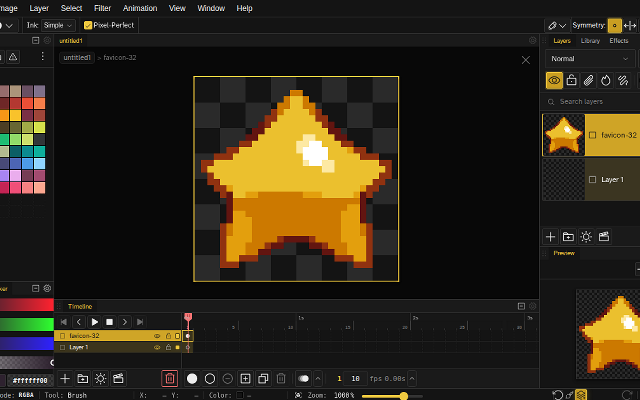
 NovaboardA web-based pixel art editor that also runs on the desktop.Free5Pixel Art
NovaboardA web-based pixel art editor that also runs on the desktop.
Novaboard runs in the browser and as a desktop app, with layers, animation and effects.
Features:animationlayerspalette manipulation3d model exportonion skinningonlinesprite sheet export2dcustom brusheseffectssprite editorcross platform5 5 pieces updated 9 days ago -
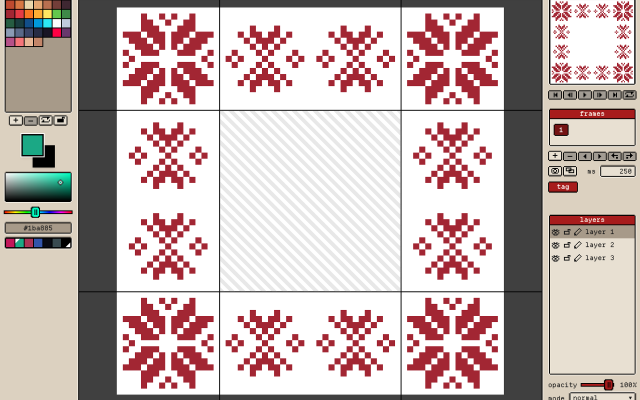 3 screenshots
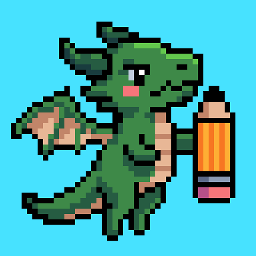 GribbleCross-platform Pixel Editor with Cloud Storage and Community FeaturesFreemium5Pixel Art
GribbleCross-platform Pixel Editor with Cloud Storage and Community Features
The pixel art editor
Gribble is a pixel art and animation editor that runs in the browser (gribble.app) or as an Android or iPhone app. One account syncs projects between all devices.
Website: gribble.app
Android: Play Store
iOS: App StoreLayers with opacity and 15 blend modes. Frame-by-frame animation with onion skin, frame tags and playback.
Every stroke is recorded, so a finished artwork can be exported as a timelapse.
The community features includes a global gallery with museum frames, a profile page, followers, likes and achievements.
Tools
Brushes, eraser, bucket, dither gradient, color picker, global color picker, ellipse tool, square tool, line tool, square select, lasso select, magic wand, dither, shading, outline, gradient, symmetry, smudge.
Features
Autosave, cloud-storage, timelapse, image/GIF imports, image/video/GIF/code/spritesheet exports, unique 9-patch mode and export, palette lock, alpha lock, themes, pixel perfect, 512x512 grids, palettes, gribble files (.grbl), artwork forking.
Features:animationlayerspalette manipulationsprite sheet exportonion skinning2dimage conversionexportonlinesprite editorditheringcross platformgif exportcolor reductionapple pencilpalettestimelapsejavascriptautosavepng exportsprite sheets5 3 pieces -
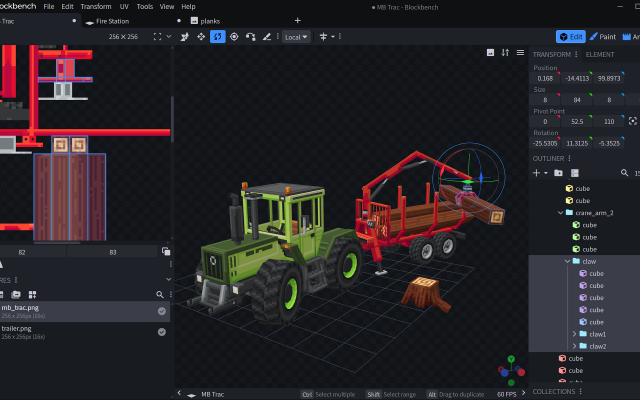
 BlockbenchA low-poly 3D modeling program
Blockbench is a free and open source editor for low-poly models with pixel art textures. Models can be exported into standard 3D formats, to be shared, rendered, 3D-printed, or used in game engines or games line Minecraft. Modeling, UV mapping, texturing with pixel-art tools, rigging and animating, can all be done in the program.
Blockbench has a clean and beginner friendly interface, but also offers lots of customization and advanced features for experienced 3D artists. Plugins can extend the functionality of the program even further.
Features:low polymodel exportanimationlayerspalette manipulation3d model exportonion skinningcross platformriggingtexture paintingcollaborationnormal mapspluginsuv mapping3d modellingreference plane4 41 pieces -
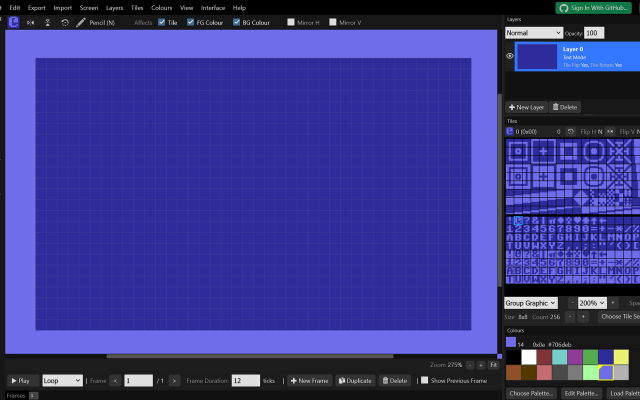
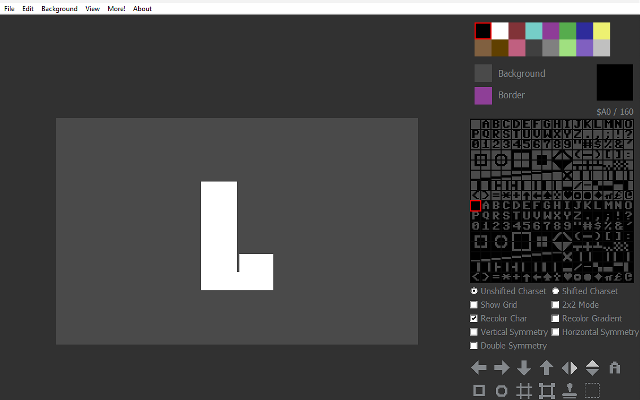
 lvllvlA browser textmode editor covering PETSCII, ASCII and dozens of other character sets.
lvllvl is a browser editor for character-based art. It covers PETSCII and a long list of other machines' character sets, with layers, animation frames, custom tilesets and palettes, and it can generate frames from an uploaded image or video. Projects save to the browser, to GitHub or to Google Drive.
4 3 pieces -
 3 screenshots
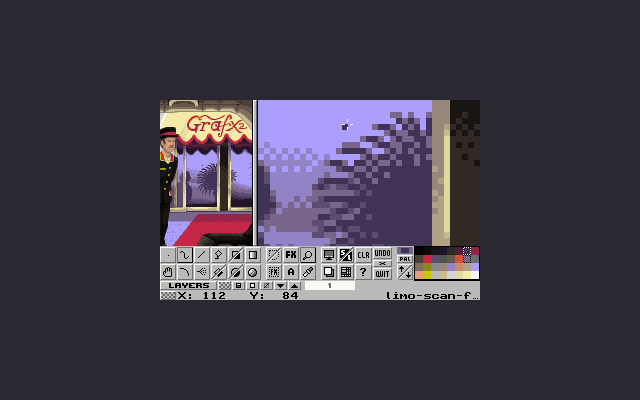
 GrafX2A DOS-era bitmap editor inspired by Deluxe Paint, still going.Free4Pixel Art
GrafX2A DOS-era bitmap editor inspired by Deluxe Paint, still going.
GrafX2 was made for DOS and has been ported everywhere since. It has tools no other program does, constraints for retro platforms, and an antiquated interface.
4 2 pieces -
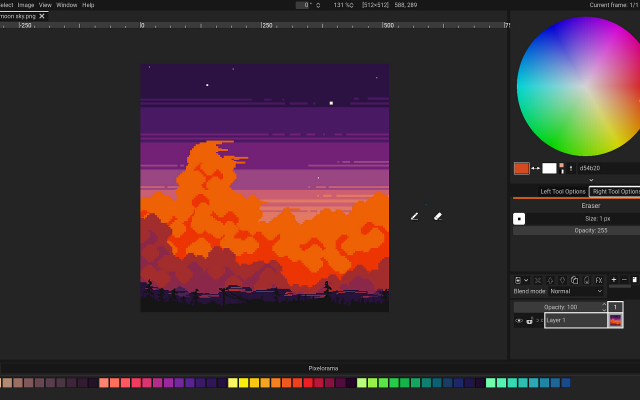
 PixeloramaA free, open source pixel art editor made with Godot.
Pixelorama is a full featured free editor: layers, animation with onion skinning, tile mode, palettes, and an active development pace. It runs on every desktop platform and in the browser.
3 27 pieces -
 3 screenshots
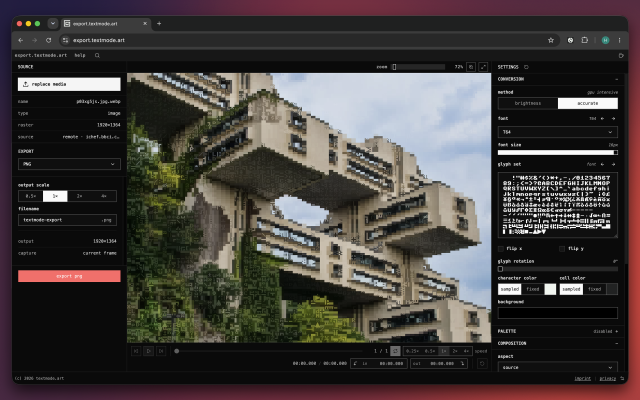
 export.textmode.artA browser converter for turning images, GIFs, and video into configurable textmode art.Free3Textmode
export.textmode.artA browser converter for turning images, GIFs, and video into configurable textmode art.export.textmode.art converts images, animated GIFs, video, and direct media links into textmode art in the browser. It provides glyph, font, palette, color, framing, and post-processing controls, plus frame-accurate playback and export ranges for animated sources. Everything is processed locally in your browser, and outputs include raster, vector, text, JSON, frame-sequence ZIP, GIF, MP4, and WebM downloads.3 0 pieces
-
 6 screenshots
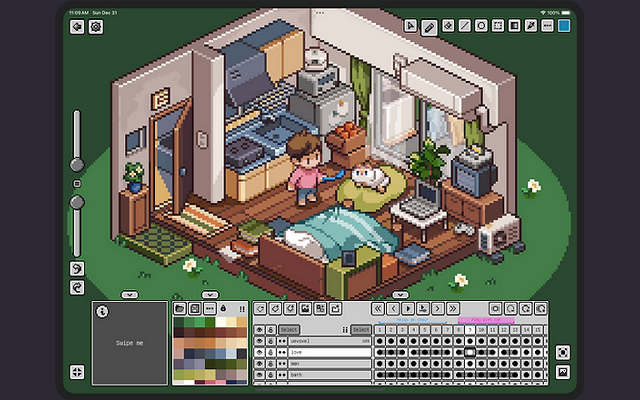
 PixquareA pixel art app for the iPad and iPhone, built around the Apple Pencil.Paid2Pixel Art
PixquareA pixel art app for the iPad and iPhone, built around the Apple Pencil.
Pixquare is a pixel art editor for iPad and iPhone with a deliberately dense feature set: layers, animation, palettes, tiled preview and pressure-aware Apple Pencil drawing. It reads and writes the formats desktop editors use, so a drawing started on a tablet finishes anywhere.
2 60 pieces -
 6 screenshots
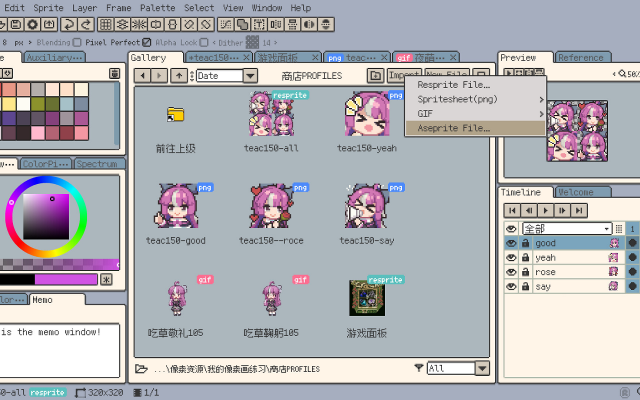
 RespriteA pixel art editor that runs the same project on a phone, a tablet and a desktop.Freemium2Pixel Art
RespriteA pixel art editor that runs the same project on a phone, a tablet and a desktop.
Resprite is a pixel art and animation editor for iOS, Android, Windows and macOS, built around a touch interface without losing the tools a desktop editor has: pixel-perfect lines, alpha lock, dithering patterns, custom brushes, gradients and symmetry. It imports and exports GIF, sprite sheets, PSD and APNG.
2 25 pieces -
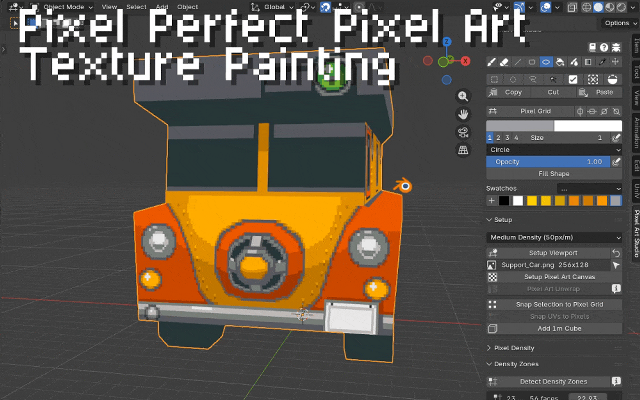
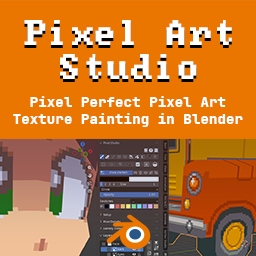 Pixel Art Studio for BlenderBlender add-on for pixel perfect pixel art drawing and texture painting in 3D and 2DPixel Art Studio is a Blender add-on (plugin) for pixel perfect pixel art texture painting. It supports drawing and painting pixel art inside Blender, in the 3D Viewport on top of the model (in Object and Edit modes) and in 2D in the Image Editor. It has tools for drawing and painting (including colors, palettes, layers, pressure sensitivity, bucket fill, gradients), selecting and moving pixels, and quickly setting up the model and the viewport for pixel art. Don't worry about UVs anymore: one click unwraps the whole model for pixel art (texel density, pixel sizes and no stretched pixels), so you can close Blender's UV Editor and use just the 3D Viewport. Stack faces on the same pixels or join as a single UV island, without ever moving or scaling a UV island by hand. The plugin also helps with setting up and managing multiple texture densities per mesh, allowing for uniform pixel sizes across the whole mesh or per face pixel size variation.
And this is not a filter or composer to "PIXELATE" the scene or the model, this is true pixel art drawing and texturing!Features:layerspalette manipulation3d model exportcustom brushessprite editor3d modellingtexture painting2 6 pieces -
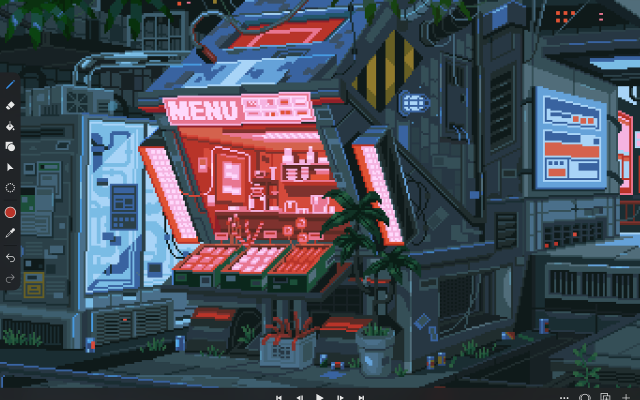
 PixakiA full pixel art and animation studio built for the iPad.
Pixaki is a full pixel art studio for the iPad, built for drawing with the Apple Pencil rather than a mouse. It has layers, a proper animation timeline with onion skinning, palette tools and tiled preview, and exports sprite sheets, GIFs and layered files.
2 4 pieces -
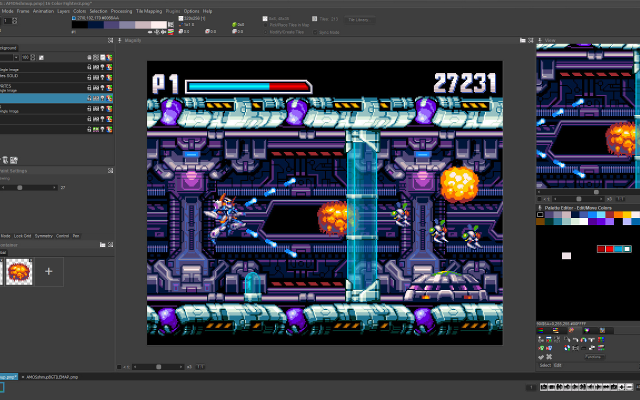 6 screenshotsPro Motion NGA professional pixel art and animation tool descended from Deluxe Paint.Paid2Pixel Art
 Pro Motion NGA professional pixel art and animation tool descended from Deluxe Paint.
Pro Motion NG is inspired by Amiga Deluxe Paint and used in commercial game studios. It has a detached-window interface, deep palette and tile tools, and an animation workflow tuned for sprite production.
2 3 pieces -
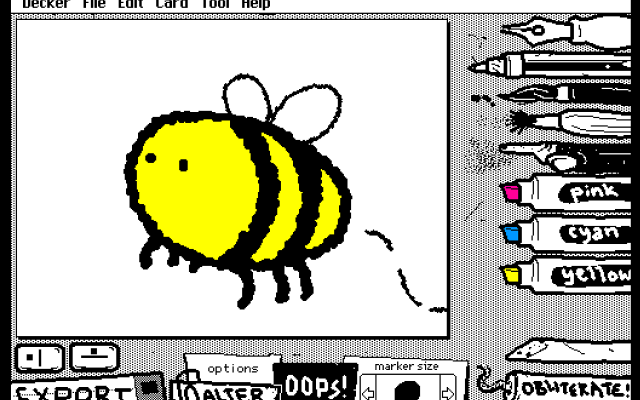 2 screenshotsWigglypaintA pixel painting program where all the lines wobble and move.Free2Pixel Art
WigglypaintA pixel painting program where all the lines wobble and move.Wigglypaint is a basic drawing program similar to MS Paint, but every mark you make moves in a different way depending on the tool. Images are exported as animated GIFs.2 0 pieces
-
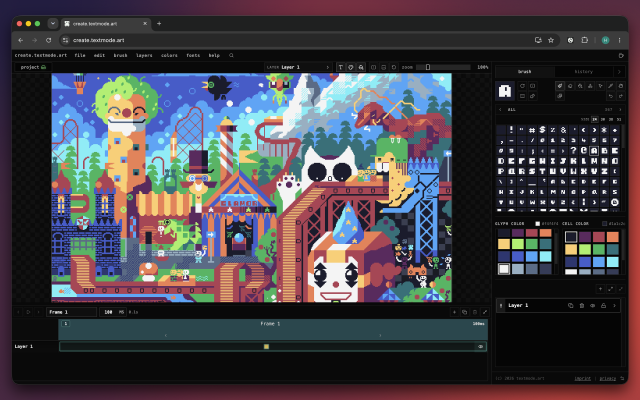 2 screenshots
 create.textmode.artA visual canvas for drawing and animating textmode art in the browser.Free2Textmode
create.textmode.artA visual canvas for drawing and animating textmode art in the browser.create.textmode.art is a browser workspace for character-grid drawing and animation. Each layer can use its own bundled or custom 8 × 8 font, opacity, and blend mode. The app also supports frame animation, Lospec and .hex palettes. It exports still images as PNG or SVG, and frame animations or drawing-history timelapses as GIF, MP4, or WebM, and saves portable .textmode project files.2 0 pieces
-
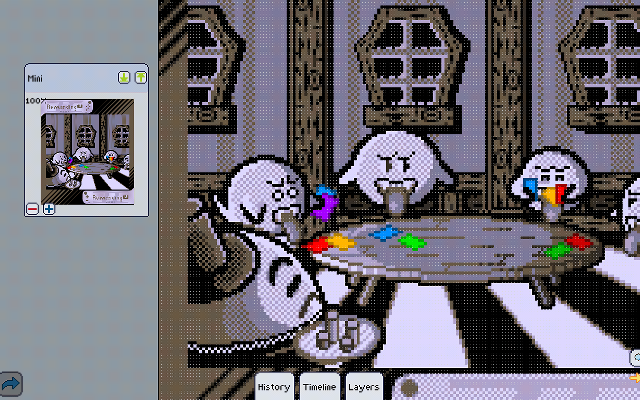 9 screenshotsPixlyAn Android pixel art editor whose Play Store listing is no longer up.Free1Pixel Art
PixlyAn Android pixel art editor whose Play Store listing is no longer up.
Pixly is a game-oriented pixel art and animation editor for Android, with the gestures worked out for a touchscreen: two fingers to pan and zoom, three to change the brush size. It covers layers, onion-skinned animation, symmetry, real-time tiling and cloud sync. Its own site is still up and still points at Google Play as the only way to get it, but that listing no longer resolves.
1 6 pieces -
 Petscii ColaA free PETSCII editor for Commodore 64 art.
Petscii Cola is a free, basic PETSCII editor which can save raster images and Commodore 64-playable files, as well as convert raster images to PETSCII, multicolor or hires Commodore 64 images.
It also includes a choice of Commodore 64 palettes, and a gallery of PETSCII art.
1 5 pieces -
 ArcBrushThe node-based image editor.Freemium Free for personal use; one-time $49 commercial license Other Low-Spec EditorsPalette ToolsProcedural GeneratorsConverters & Scalers3D ToolsUtilities ActiveArcBrush is a node-based image editor for Windows, macOS and Linux. Images are built as a graph of nodes, so every step stays editable.
Its Pixel Art node is a sprite, icon and tile editor inside that graph. It has layers, Pixel-Perfect tools, symmetry axes, seamless wrapping, Marquee, Lasso and Magic Wand selections, RGBA or Indexed canvases whose palette round-trips with Swatches, and a shading ink along palette ramps.
Other nodes can recolor, pack into atlases and batch export the result. Export Data writes CSV, JSON or text sprite tables.
It also has nodes for texture and material work, photo editing and compositing. It is free for personal use; commercial use needs a one-time Pro license.Features:layerspalette manipulationsprite sheet export2dcustom brushesimage conversionexporttilemapssprite editorcross platformeffectstexture paintingditheringnormal mapsbatch processing3dcolor replacementrenderingcolor reductionpng exportsprite sheetsprocedural1 0 pieces -
 9 screenshots
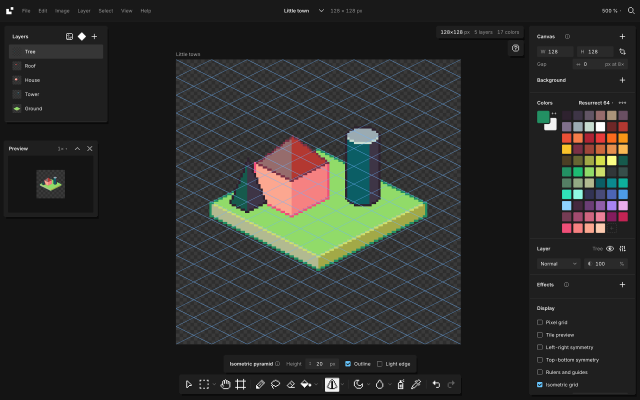
 BaipixA free, open source pixel art editor in the browser, with layers, palettes, isometric tools and clean SVG export.Free1Pixel Art
BaipixA free, open source pixel art editor in the browser, with layers, palettes, isometric tools and clean SVG export.Baipix is a pixel art editor that runs in the browser, with no account and no install. It is free and its source code is public under the MIT license. Drawings are saved in the browser, a deleted one waits in the trash, and files can be downloaded as .baipix. The interface is in English, French and Ukrainian.
It covers the usual pixel art tools (pixel-perfect pencil with a stabilizer, shapes, paint bucket, gradient with dithering, lasso and magic wand selections, symmetry, a tile preview for seamless textures) along with layers, groups, blend modes, layer effects (outline, drop shadow, glow) and reusable components: a sprite drawn once can be placed on any board, and its copies follow it.
Palettes belong to each file: classic presets, the colors used in the drawing, palettes the user keeps, or .hex and .gpl files. Shade and lighten step along the palette’s ramps. A reference image can sit under the drawing to trace over, and the eyedropper picks its colors.
For isometric work it has a 2:1 grid that tools snap to, 2:1 lines, box, cylinder and pyramid tools shaded from the palette, extrusion of flat shapes into volumes, shapes drawn on walls or on the ground, staggered tile previews and images laid onto a face. A file can hold several boards side by side.
Exports: PNG at 1× to 32×, SVG with one path per color and the layers kept as groups, .aseprite files, tilesets for game engines (PNG sheet with a Tiled tileset and map), and the drawing as code (React, CSS, JSON or ASCII).
Its strongest areas are isometric pixel art and work that ends up in design tools or code: components and multiple boards for icon sets and UI assets, and SVG that pastes into Figma as vector shapes. It suits game artists making sprites, tiles and isometric scenes, designers who need pixel icons, and people trying pixel art without installing anything. It has no animation yet, and works best with a mouse or trackpad; tablet support is in progress.
Docs: baipix.app/docs
1 0 pieces -
 4 screenshots
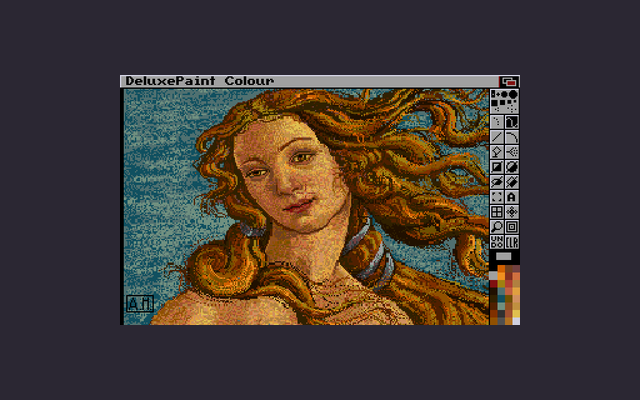
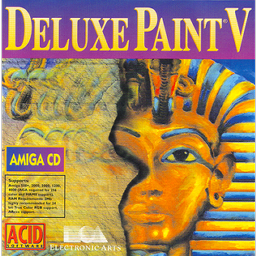 Deluxe PaintThe Amiga paint program that most early game art was drawn in.Paid1Pixel Art
Deluxe PaintThe Amiga paint program that most early game art was drawn in.
Deluxe Paint was the paint program of the Amiga era and the tool a great deal of 1980s and 1990s game art was made in. Its custom brushes, palette cycling and animation features set conventions that pixel art editors still follow, and its keyboard-driven workflow is why so many later programs feel the way they do. It is no longer sold; the versions that survive do so through archives and emulation.
1 0 pieces -
 3 screenshots
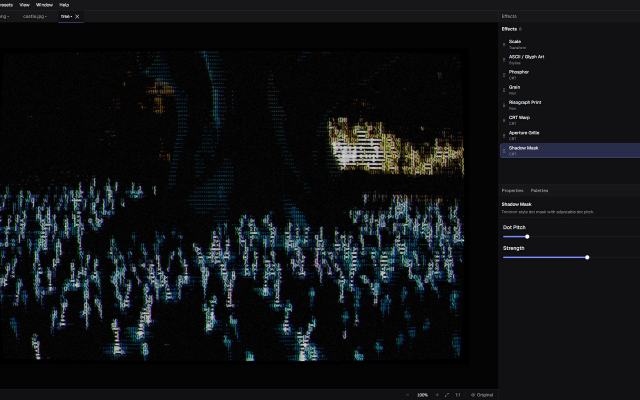
 DitherMaster StudioDithering, CRT, VHS, ASCII and glitch effects made easyPaid1Other Low-Spec
DitherMaster StudioDithering, CRT, VHS, ASCII and glitch effects made easyDitherMaster Studio makes dithering, CRT, VHS, ASCII and glitch effects easy to experiment with. Stack effects, tweak the settings, and save combinations as presets. No complicated workflow required.
LOSPEC palettes can be directly imported as palettes into the App!Features:palette manipulationimage conversioncross platformimage editingimage processorcolor reductionascii1 0 pieces
There are no more software for your current criteria.
There are no software for your current criteria.
Thanks for your feedback! If you want to say more, please post a Suggestion or Bug Report!
our next patreon goal: $301 / $500